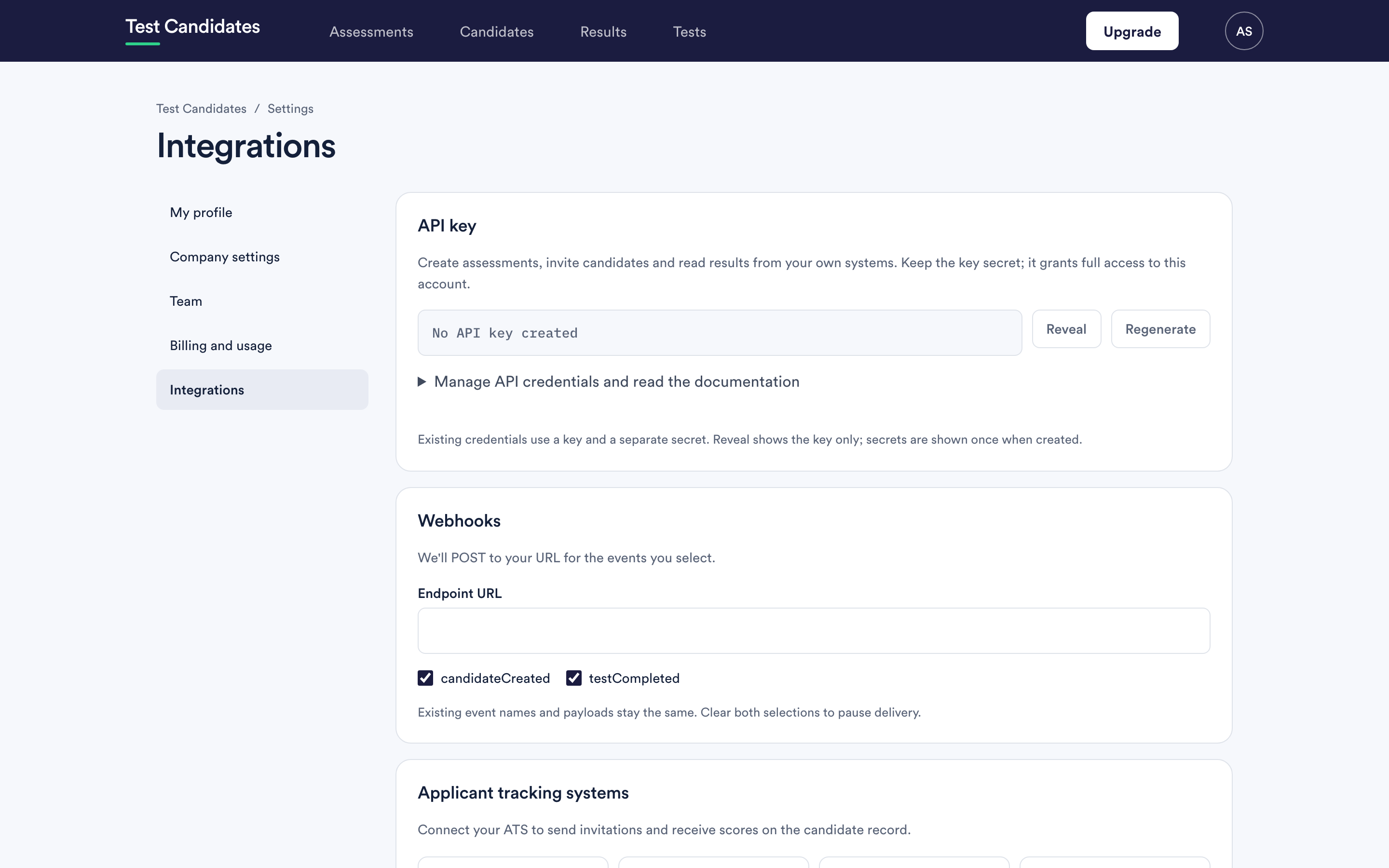
Account menu, then Integrations. This article says plainly what each option does, and what it does not.
What exists today
| Route | What it does | State |
|---|---|---|
| The API | Read your assessments, candidates and results, and invite candidates to an assessment, from your own systems | Available |
| Webhooks | We POST to your URL when something happens, such as a candidate registering, finishing a test or having a result unlocked | Available |
| Slack | A summary in a Slack channel when a candidate finishes an assessment | Available |
| Microsoft Teams | The same summary in a Teams channel | Available |
| Zapier and Make | Connect Test Candidates to your other apps without code: invite candidates, and send results on | Available |
| ATS connectors | Named connectors for applicant tracking systems | Not available yet |
What the API can and cannot do
It can:
- list your assessments and read one;
- invite people to an assessment by email, up to 100 in one request;
- list your candidates with their results, and read one;
- list completed tests since a time you choose, so you can keep your own system up to date.
It cannot create or edit an assessment, unlock a result, record a decision, remove a candidate or change a setting. Those happen in the app.
Every endpoint, with examples, is in the API reference.
Locked results stay locked everywhere
A score is only visible once the result has been unlocked, and that is true on
every route. The API returns the score fields as null, a webhook sends them as
null, and a Slack or Teams summary says the result is locked. The completed
test itself is never hidden: you can always see that a candidate finished it.
See unlock results.
Choosing between the options
You want results in your own reporting. Use the API. The results endpoint lists completed tests since a time you give it, so a regular sync picks up only what is new.
You want to react the moment something happens. Use a webhook. We call your URL when the event happens, without you asking.
You want candidates invited automatically from another system. Use the API's invitation endpoint. Each person gets the same invitation email the app sends. If you cannot build that, put your assessment link into the templated email your other system already sends. See where to use your assessment link.
You want to connect another app but cannot write code. Use Zapier or Make. See Zapier and Make.
You want your team to see finished assessments in chat. Connect Slack or Microsoft Teams. Nobody needs to write any code.
You just want the data once. Do not build anything. Export a CSV. See download and export results.
A one-off need does not justify an integration
Most teams who ask about the API want a spreadsheet, and an export gives them one in ten seconds. Build against the API when you need results to arrive continuously, in a system other people use, without anyone remembering to download anything.
Integrations are for admins
Only admins can open Integrations. An admin can create, reveal and regenerate the API key, set up webhooks, and connect Slack and Microsoft Teams. Members cannot see this page. The API key is not limited by teams: it reads the whole workspace and can invite candidates to any assessment in it. See what admins and members can see.
Telling us what you need
If your system is not listed and you would use a connector, say so: support@testcandidates.com. That genuinely feeds the order things get built in.