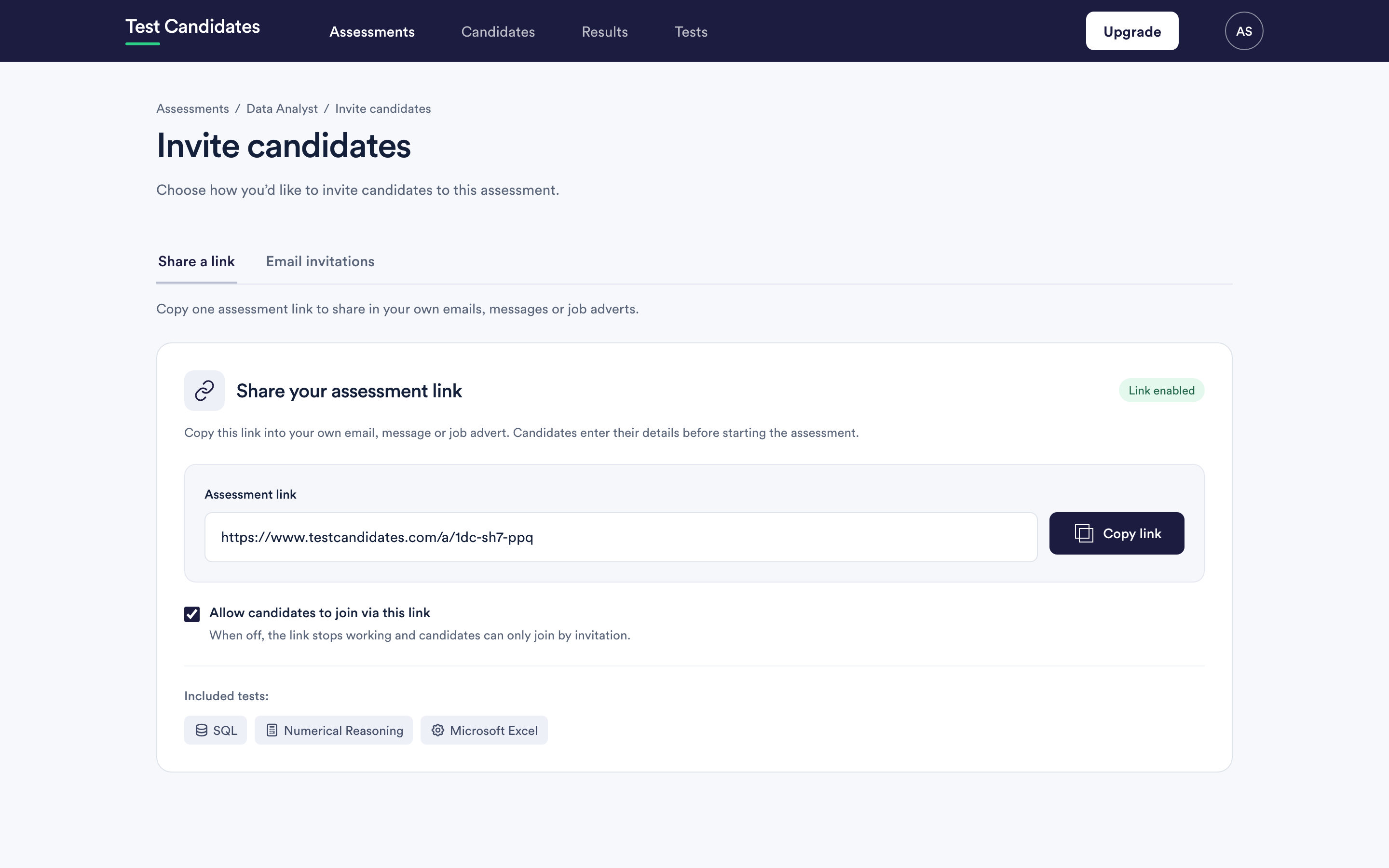
The assessment link is a short, plain URL, so it goes anywhere a link goes.
Places the link works well
In the job advert. Below the description, as the way to apply, or as a second step after an application. Candidates who are put off by a test at this point would have been put off later.
On your careers page. One link per open role, kept alongside the role.
As a stage in your applicant tracking system. Most systems let you send a templated email at a stage. Put the link in that template and the assessment becomes part of the flow you already have. See applicant tracking systems.
In your own emails. If you would rather write to candidates yourself than use our invitations, the link works in any message you send.
Given to a recruiter. An agency can send the link to their own candidates without needing access to your account.
Printed or read aloud. It is short enough for a slide, a poster or a QR code at a careers fair.
Telling candidates what to expect
Wherever you put it, say three things next to it: roughly how long the assessment takes, that it is done in a browser, and that they can start when it suits them. That short paragraph is the cheapest way to reduce drop-out.
The total time is on the assessment in the builder and on the assessment page.
Keeping track of where people came from
There is no source tracking on the link itself. If you need to know which channel produced which candidates, create one assessment per channel by duplicating it. Each copy has its own link and its own candidate list, so the split is clean and the reports stay comparable.
That is a real trade-off: separate assessments mean separate cohorts, so rank and average are calculated within each one. For a small role it is usually not worth it; for a big intake where you are judging channels it is.
What not to do
- Do not add anything to the end of the link. It is a plain URL, and query strings you invent are not read.
- Do not reuse a link for a different role. Duplicate the assessment instead, so the results stay attached to the right job.
- Do not put it somewhere you cannot take it down. Archiving the assessment closes the link, but a printed advert keeps sending people to a closed page.