Your API key gives access to your workspace's candidate data, and it can invite people to your assessments. Anyone holding the key and secret can read every candidate you have ever assessed, including their names, email addresses and unlocked results, and can send invitation emails in your company's name.
Where your key should live
- In a secrets manager, or in your platform's environment variables.
- Read by server-side code only.
Where your key should never live
- Not in front-end code or a mobile app. Anything in a browser is public, and a key in JavaScript is a key you have published.
- Not in a repository, including a private one. Private repositories get forked, cloned and backed up.
- Not in a chat message, a ticket or an email. Those are searchable forever by everyone in your company.
- Not in a spreadsheet of credentials.
- Not with an agency or contractor who only needs results. Send them an export instead.
Who can see the key
Admins only. Members cannot see the key or the integrations page. The key itself is not limited by teams, so it reads every assessment in the workspace and can invite candidates to any of them. Keep the admin role for the people who need it. See what admins and members can see.
That makes removing leaving admins promptly part of your key hygiene, not just your account hygiene.
If your key has leaked
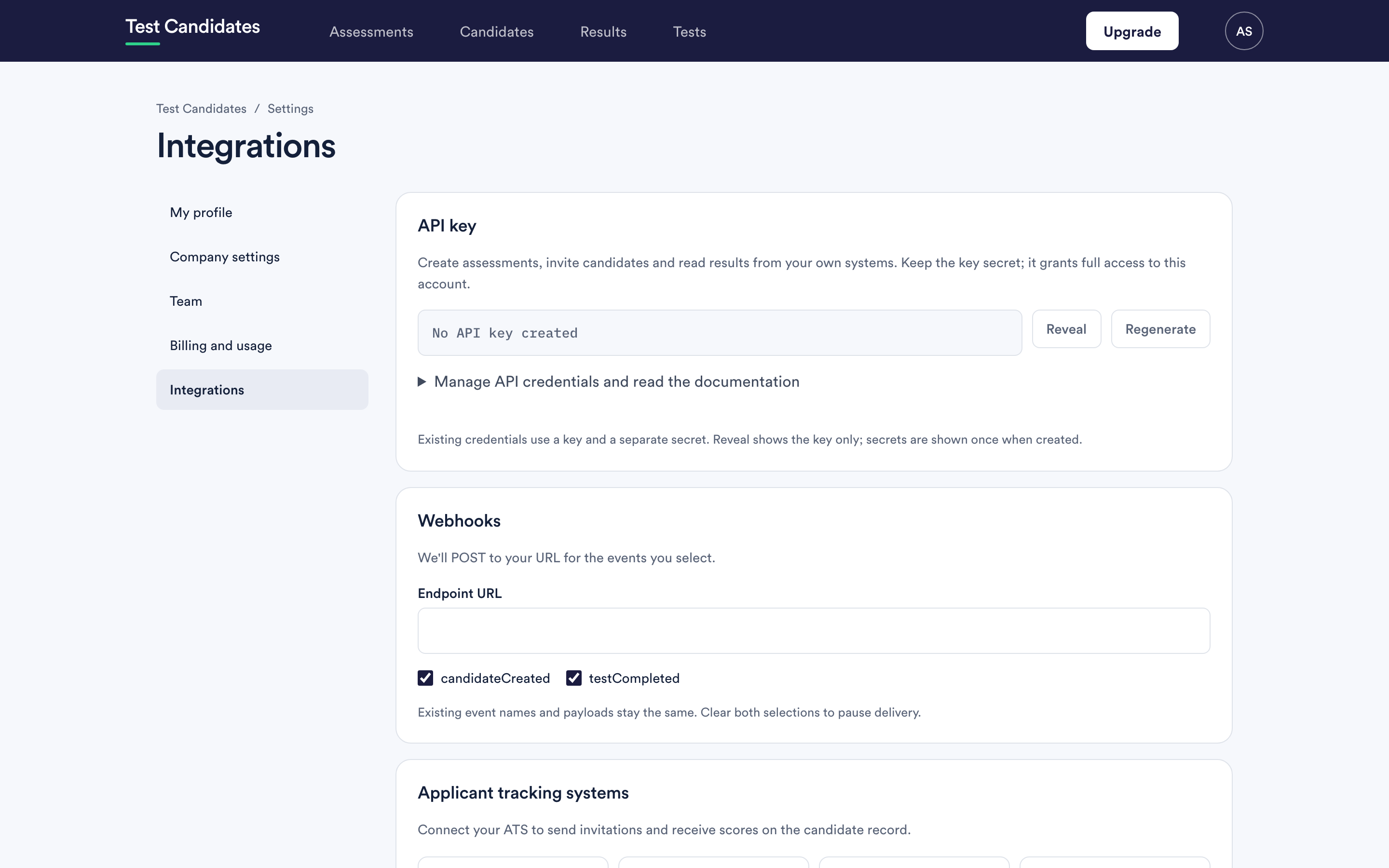
Regenerate it, immediately, from the integrations page.
The old key and secret stop working the moment you confirm. There is no grace period, which is the right behaviour for a leak and means you should plan the switchover for anything that is still legitimately using it.
Then update every system that held the old one. If you are not sure how many there are, that is itself a reason to regenerate.
Rotating your key routinely
Worth doing when someone with access leaves, when a contract ends, and after any incident in a system that held it. There is no expiry on the key, so nothing forces the habit.
What the key can and cannot do
Someone holding the key can read your assessments, candidates and results, and invite people to your assessments by email. Those invitations look exactly like ones you send from the app.
They cannot create or change assessments, unlock results, record decisions, remove candidates or change your settings. But people they invite are treated like any other candidate, so their results are unlocked, and charged, under the same rules as everyone else's.
So a leak can mean disclosure, which is serious on its own: candidate personal data belongs to real people and losing it is a reportable event in many jurisdictions. It can also mean unwanted emails sent in your name. Both are reasons to regenerate first and investigate second.
Webhook secrets too
The same care applies to your webhook signing secret, and to a Microsoft Teams webhook URL, which lets anyone holding it post into that channel. See webhooks and Slack and Microsoft Teams.