Use email invitations when you already know who you want to test. Each person gets their own link, appears on the assessment straight away, and can be reminded later.
Sending the invitations
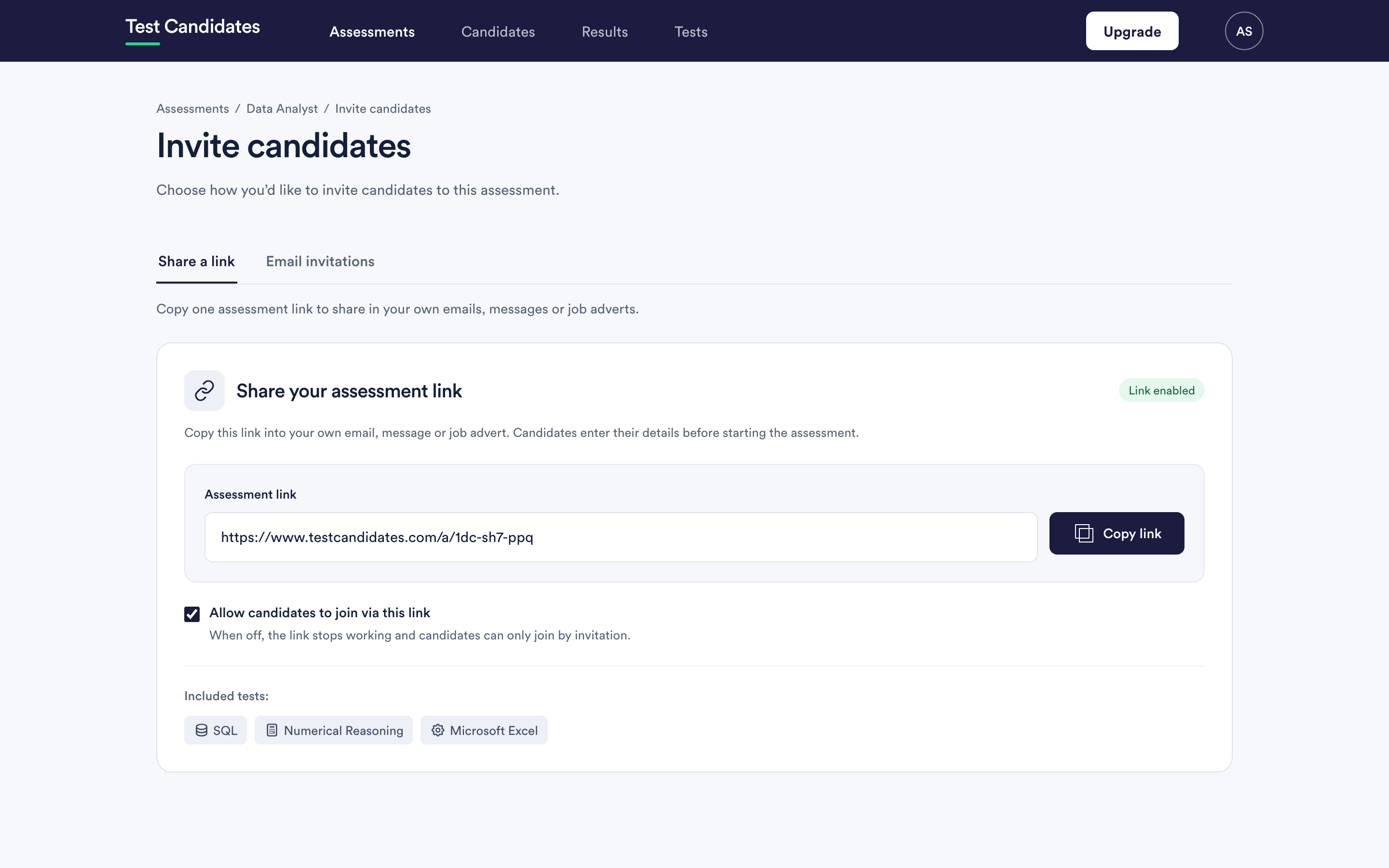
From the assessment, choose Invite candidates, then Email invitations.
Paste the addresses in, one per line or separated by commas. You do not need names. Anything you do provide is used in the greeting.
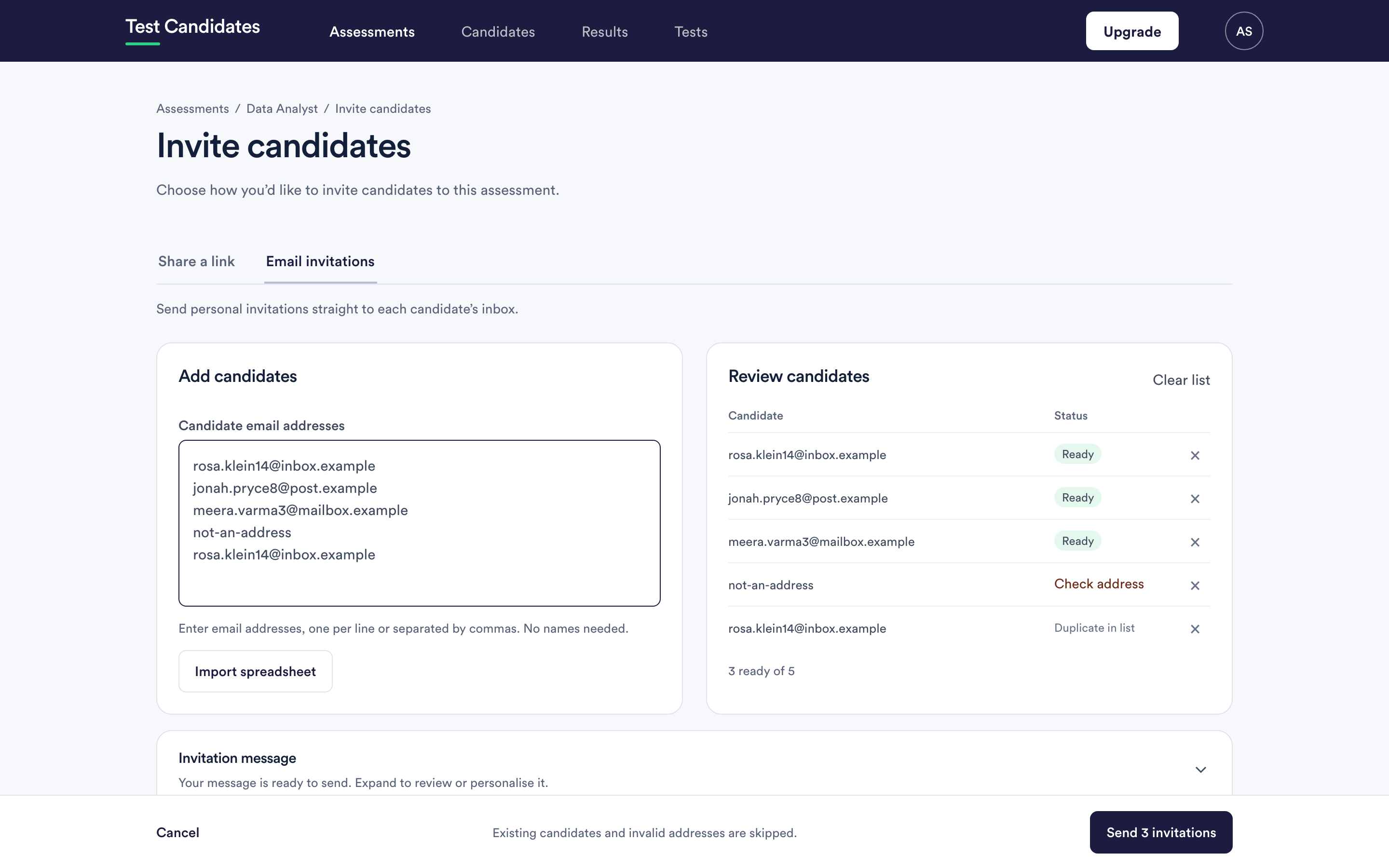
Reading the review list
Every address you paste is checked before anything is sent, and marked:
- Ready. It will be invited.
- Already invited. This person is already on the assessment. They are skipped rather than invited twice. Use send a reminder if you want to nudge them.
- Duplicate in list. The same address appears more than once in what you pasted. It is included once.
- Check address. It is not a valid email address. Fix it or remove the row.
The footer tells you how many are ready out of how many you pasted. Invalid addresses and existing candidates are skipped rather than blocking the send.
The message candidates receive
Expand the invitation message to read or edit it before sending. You see who it comes from, the subject line, and the body.
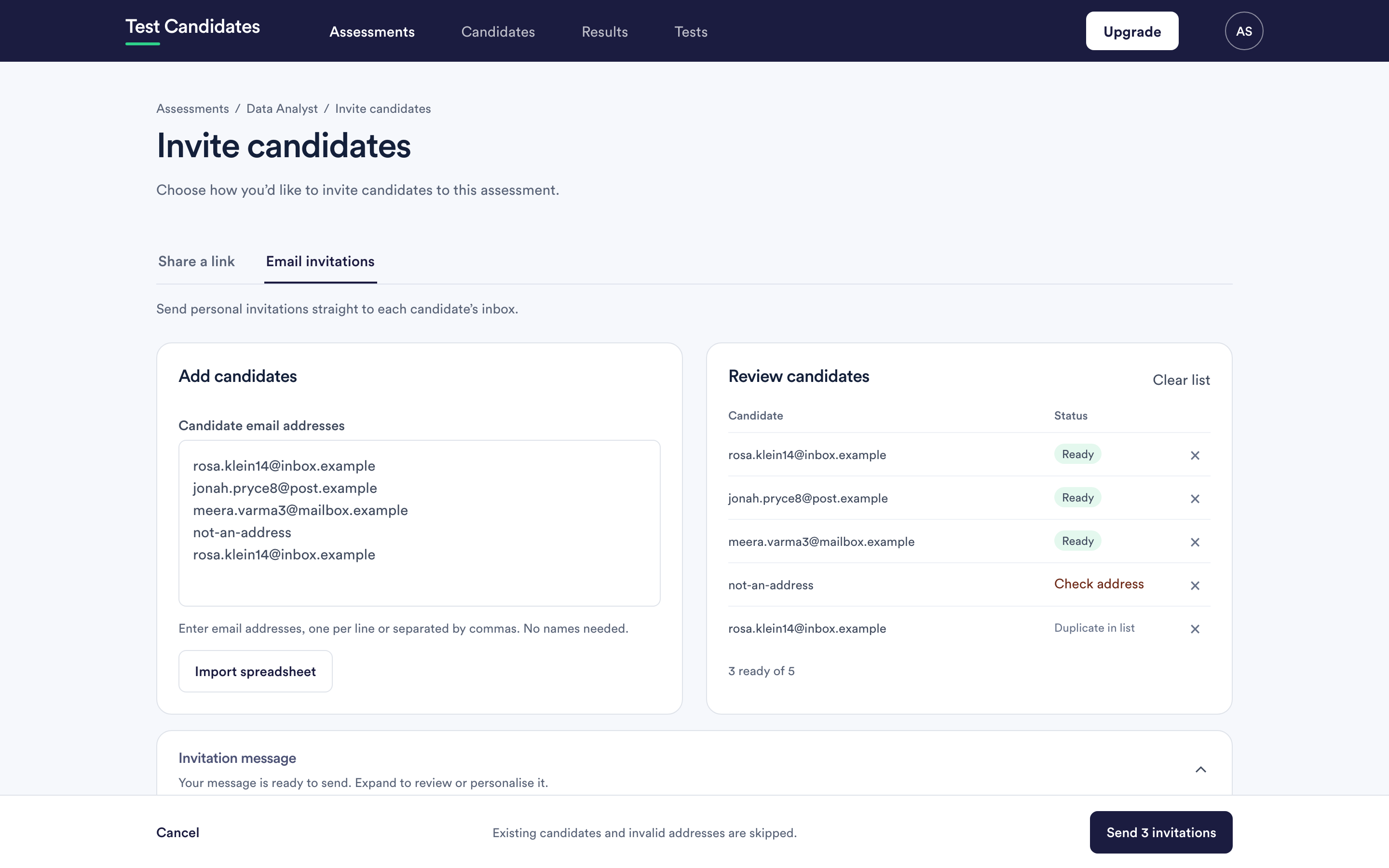
The candidate's personal link is added automatically, so you never paste a link into the message yourself. Your edited message is saved against the assessment and used for later invitations too.
What arrives in their inbox
An email from your company name, with a subject naming your company, containing their own link. Opening it takes them straight in without a password. Full detail is in what the candidate sees.
If an invitation does not arrive
Start with a candidate did not receive the invitation, and make sure your candidates' mail systems are not filing us as junk: making sure our emails arrive.
Nothing is charged for inviting
Invitations cost nothing. You are charged per candidate whose results unlock, so a candidate who never starts costs you nothing at all. See when a candidate is charged.