There are three pieces of writing you control, and they appear at different moments. Two are set for your whole organisation and can be overridden per assessment.
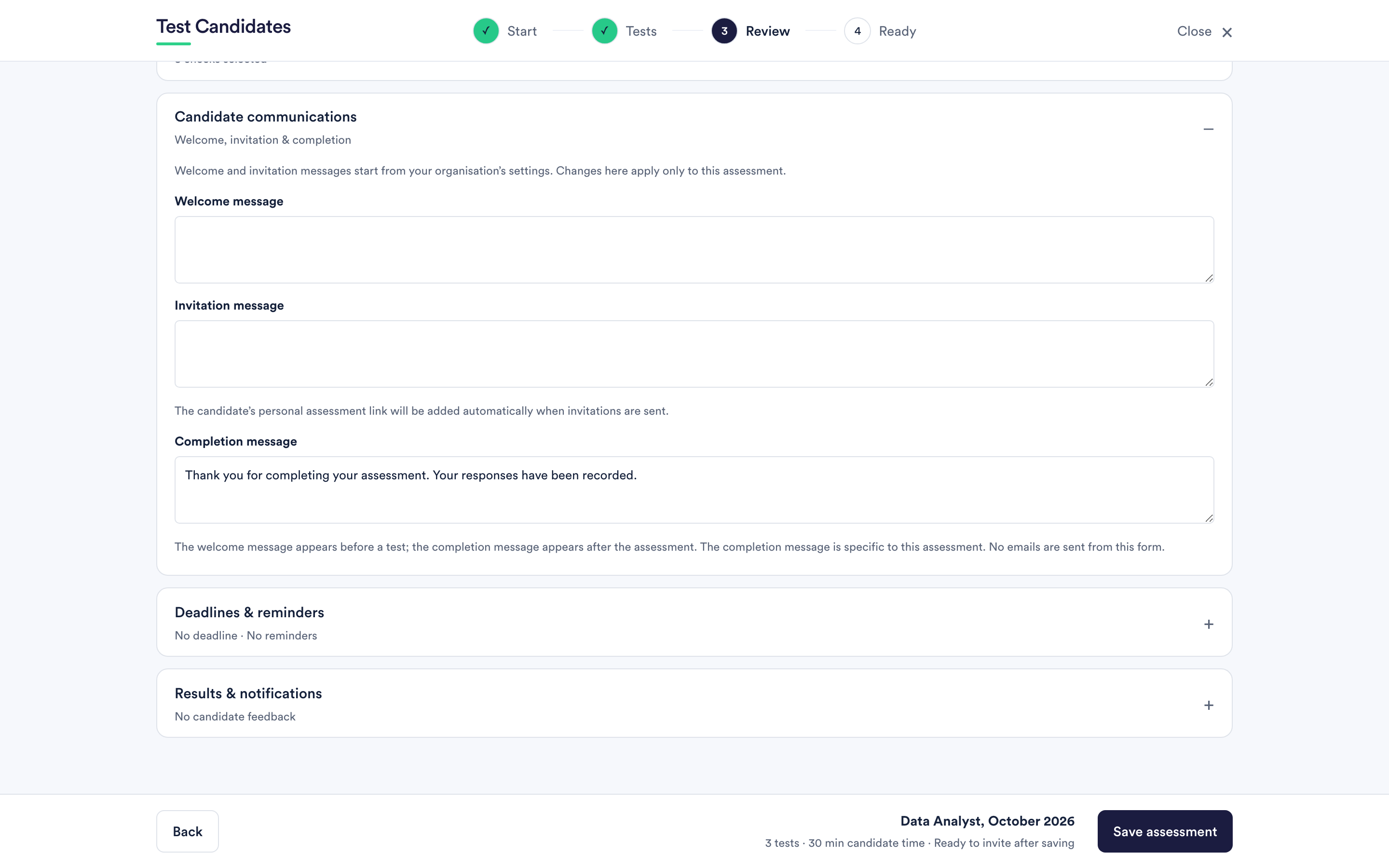
The welcome message
Shown to the candidate before they begin, on the page they land on. Use it to say what the assessment is for, roughly how long it takes, and anything specific to your process.
It starts from your organisation's setting in company settings. Changing it inside an assessment changes it for that assessment only.
The invitation message
The body of the email a candidate receives when you invite them by email. You can edit it on the invitation screen before sending, or set a default in company settings under Invitation messaging.
The candidate's personal link is added automatically. Never paste a link in yourself. Names are used in the greeting when you supplied them.
The sender name is your company. The subject names your company. That is fixed.
The completion message
Shown after the candidate finishes the whole assessment. This one is specific to the assessment rather than to your organisation, because what you want to say next usually depends on the role.
It is the right place for what happens next and when they will hear: "we are reviewing applications until the end of the month and will be in touch either way". Candidates who know when to expect a reply chase you less.
What none of these do
No email is sent from the settings form. Editing a message saves it. It goes out when you actually invite someone.
They also do not carry results. Whether a candidate hears their score is a separate setting, described in share results with candidates.
Writing your own messages
Short, plain and specific. Candidates read these on a phone, often quickly, often while doing something else. If you turned on integrity checks, the welcome message is where to say so in one sentence.