Every assessment has a single short link. Anyone who opens it registers themselves and starts. You do not need their address in advance and you do not need to invite them.
Where the link is
Three places, all the same link:
- The Invite link column on your assessments list, with a copy button.
- The assessment page, under Invite candidates, then Share a link.
- The getting started panel, for your most recent assessment.
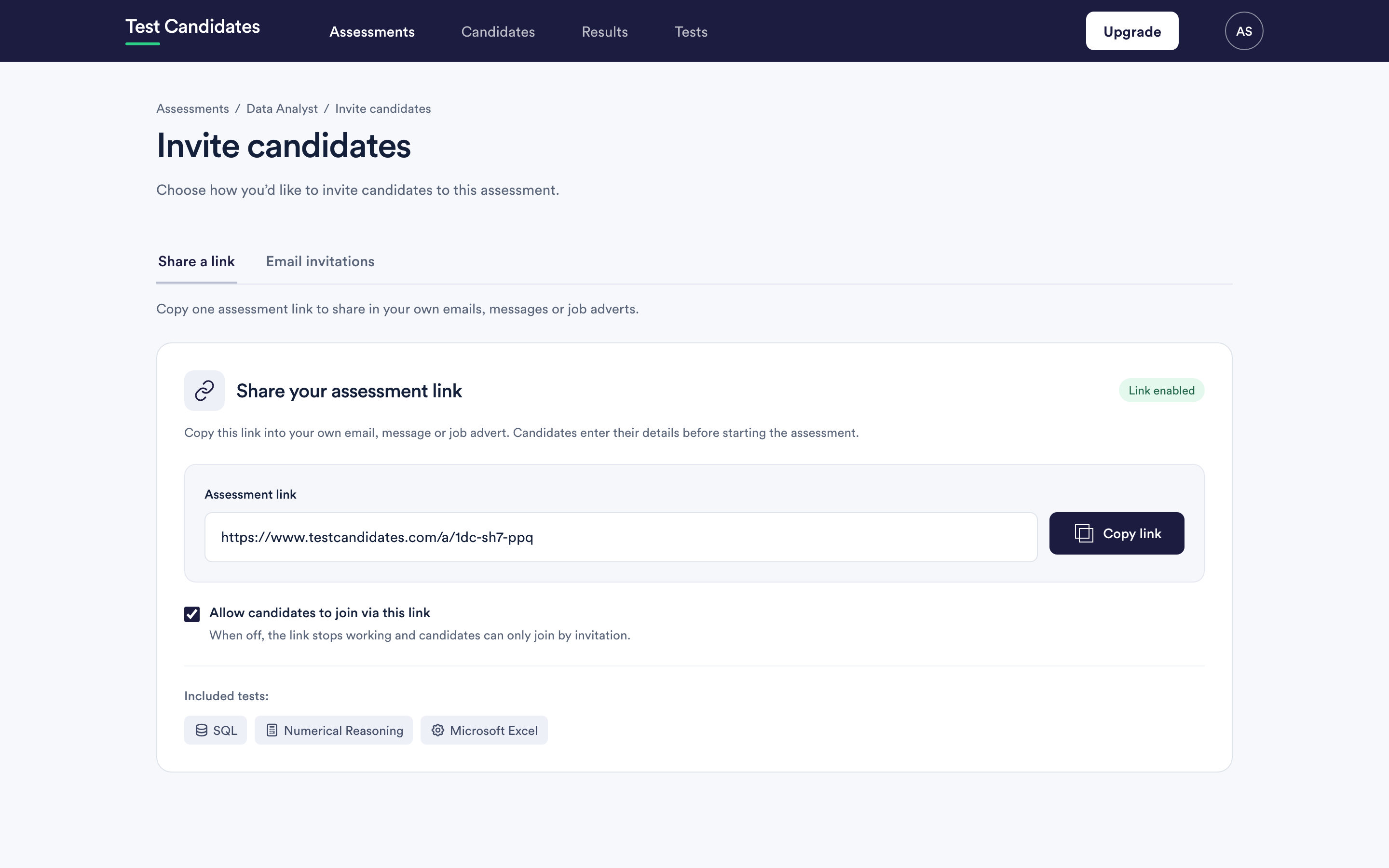
The link looks like https://www.testcandidates.com/a/ followed by a short code. It is short
on purpose, so it survives being read aloud, printed, or pasted into a form with
a character limit.
What a candidate sees
They land on a page naming your company and the assessment, register with their name and email address, and go straight to their tests. They appear in your Candidates list the moment they register, before they have taken anything.
When to use it rather than email
Use the link when you do not have names yet: a job advert, your careers page, a stage in your applicant tracking system, a recruiter's shortlist, a QR code at a careers fair.
Use email invitations when you do have names and want to chase people individually. You can use both on the same assessment, and the results sit together.
See where to use your assessment link.
What the link does not do
- No reminders. Automatic reminders are counted from an invitation, and someone who arrived through a link has none. You can still send a reminder to an individual once they have registered.
- No restriction on who opens it. Anyone with the link can register. Treat it like a job advert rather than a password.
- No cap. It keeps accepting candidates until you archive the assessment or its deadline passes.
Turning the link off
Archive the assessment. The link stops accepting new candidates immediately and everything already collected stays readable. See edit, duplicate or archive an assessment.
What sharing a link costs
Sharing a link costs nothing, and neither does someone registering. You are charged per candidate whose results unlock. A shared link that attracts people who never finish costs you nothing.