First, check they are actually on the assessment
Open the assessment and look for them. If they are not there, the invitation was never sent, usually because the address was marked Check address or Duplicate when you sent the batch. Invite them again.
Then, in order
1. Check the address. Open their row and read it carefully. A single character wrong is the most common cause and it will never fix itself. If it is wrong, remove that invitation and invite the correct address.
2. Ask them to check spam and junk. This is the answer most of the time. Our invitations come from an address at our domain with your company name as the sender, which some filters treat as a mismatch worth quarantining.
3. Resend it. Their row has Send reminder or Resend invite, which goes out immediately with a working link.
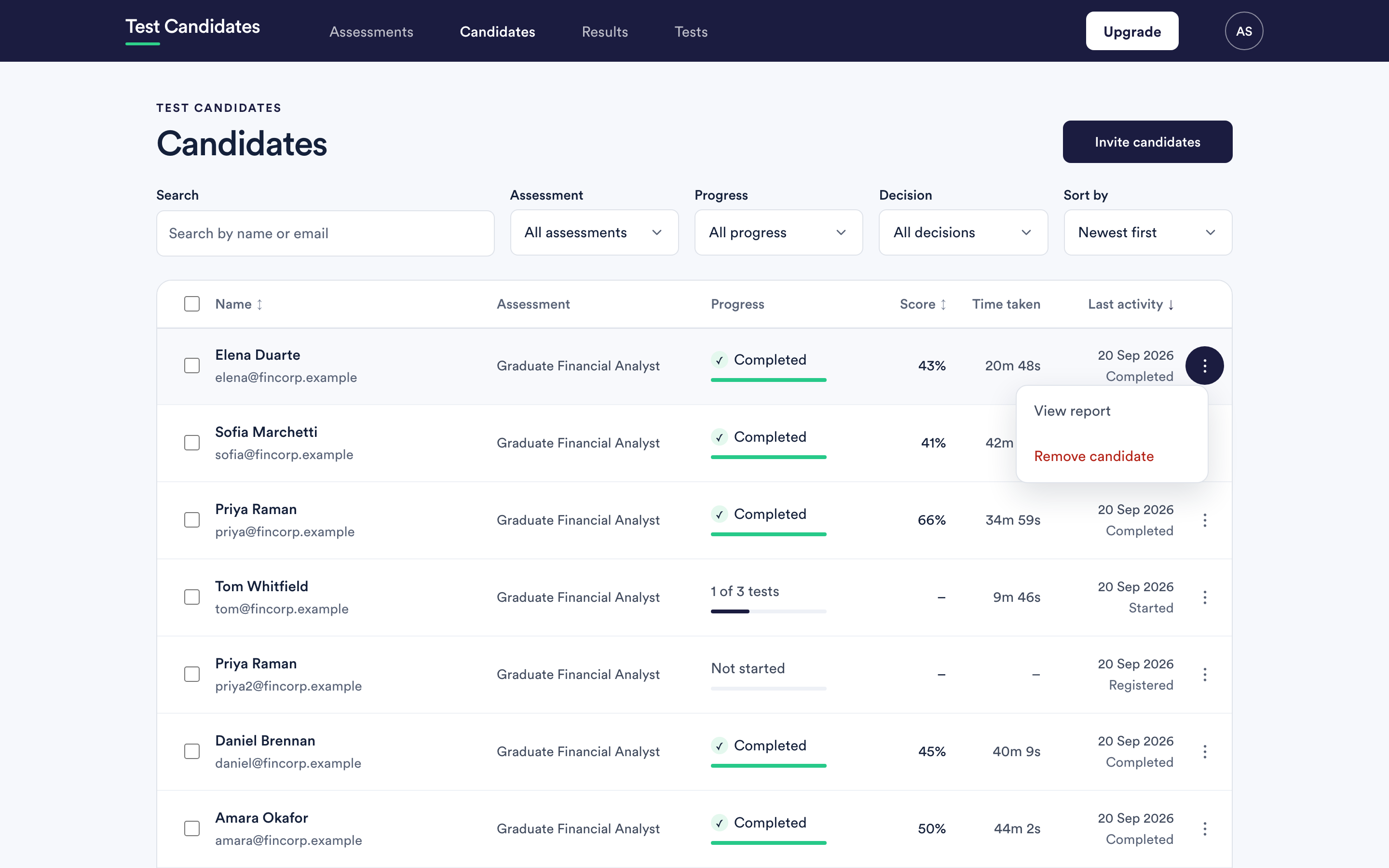
4. Send them a link yourself. Copy link on the assessment's row in your assessments list gives you the assessment link. Paste it into an email you send from your own address. They register themselves and appear on the assessment, which bypasses our sending entirely and works whatever their filter is doing.
If many candidates are affected
That is a deliverability problem rather than a candidate problem, and it usually means one employer's mail system is quarantining us in bulk. Send them making sure our emails arrive, which has the details their IT team needs.
If it is happening across many different domains, tell us: support@testcandidates.com. That is something we need to know about and can investigate at our end.
The candidate can fix this themselves
Point them at https://www.testcandidates.com/candidate-sign-in. Entering the address you invited them on sends a fresh link straight away, with no involvement from you.
It only works with the address you actually invited. A candidate who applied with a work address and is trying a personal one will get nothing, and the page says it has emailed them either way. That is the single most common confusion here.
Sidestepping email entirely
Give them the assessment link instead of an invitation. Anyone with it registers themselves, with whatever address they like, and appears on the assessment. It costs you nothing and removes the whole problem.
See share your assessment link.
What candidates are told
My link has expired, or I have lost my invitation email in the candidate help centre. Sending them that link is often the complete answer.