Reminding one candidate
Find them on Candidates, or on the assessment, and open the actions menu at the end of their row.
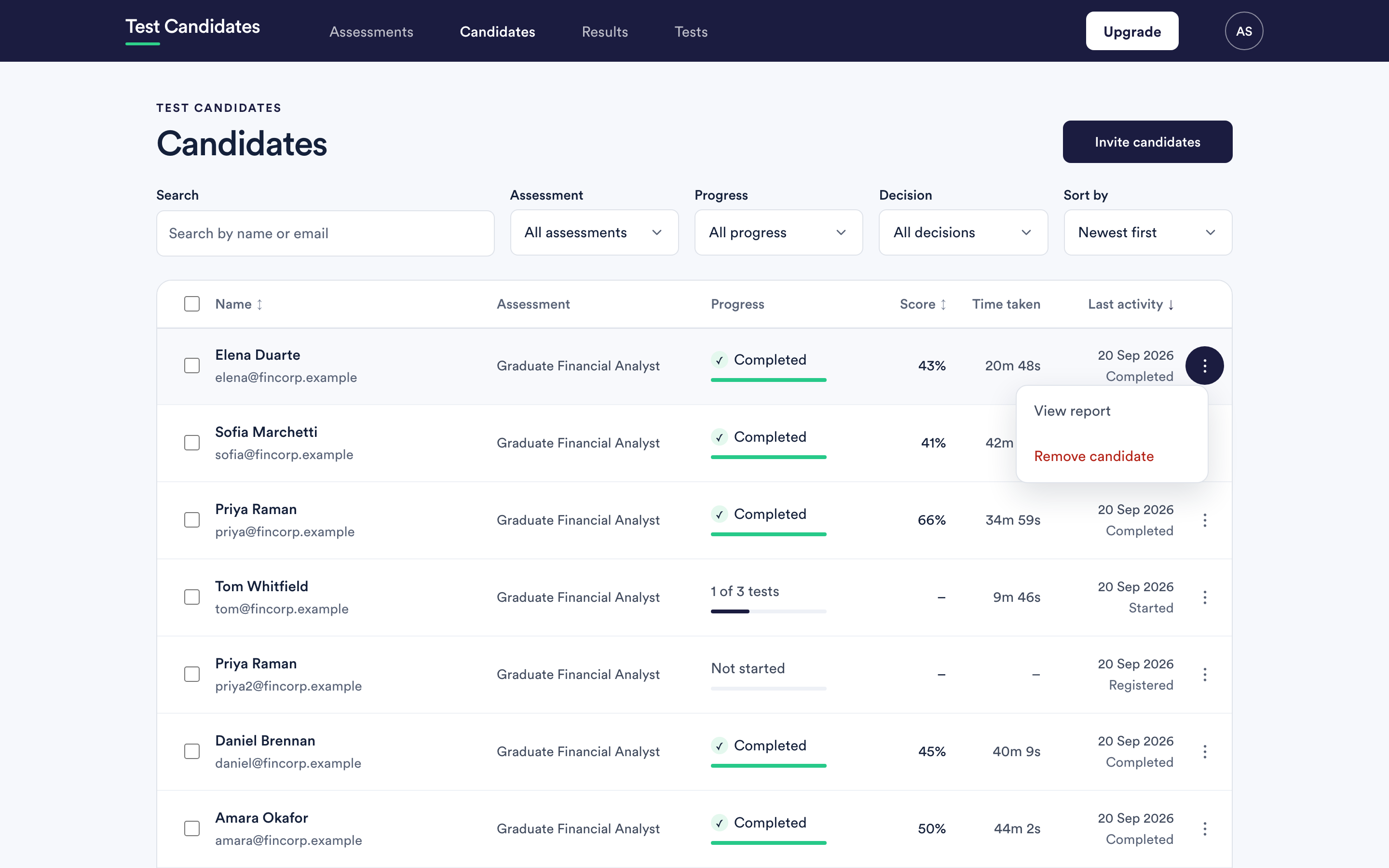
- Send reminder emails them straight away with a working link. It appears for anyone who has not finished; a candidate who has completed everything has nothing to be reminded about, so the option is not there.
- View report opens what they have done so far.
- Remove candidate takes them off the assessment.
If you would rather write to them yourself, the assessment link is on the assessments list and works for anyone. See share your assessment link.
There is no limit and no cooling-off period, so use your judgement. Two reminders on an assessment is usually plenty.
Reminding everyone at once
Rather than reminding people one by one, turn on automatic reminders on the assessment: three days after invitation, seven days, or both.
Only candidates who have not completed receive them, and they stop at the deadline. Candidates who found the assessment through a shared link have no invitation, so automatic reminders do not reach them. See deadlines and reminders.
When a candidate says their link has expired
They can fix it themselves and do not need you. Point them at https://www.testcandidates.com/candidate-sign-in, where entering the address they were invited on sends a fresh link.
That only works if they use the address you invited. If they applied with one address and are trying another, send them a reminder from their row instead, which goes to the right one.
When the deadline has passed
A new link will not reopen a closed assessment, because the deadline is your decision rather than ours. Extend the deadline on the assessment and their link starts working again. See edit, duplicate or archive an assessment.
The same is true of an archived assessment: unarchive it first.
When they need to start again
A reminder gives them a way back into the assessment they already have, with the tests they have already finished still finished. It does not reset anything. If a candidate genuinely needs a test re-run, email support@testcandidates.com and say what happened.