Invitations, reminders and result emails all come from us. Most arrive. When they do not, it is usually a filter at the receiving end.
What an invitation looks like
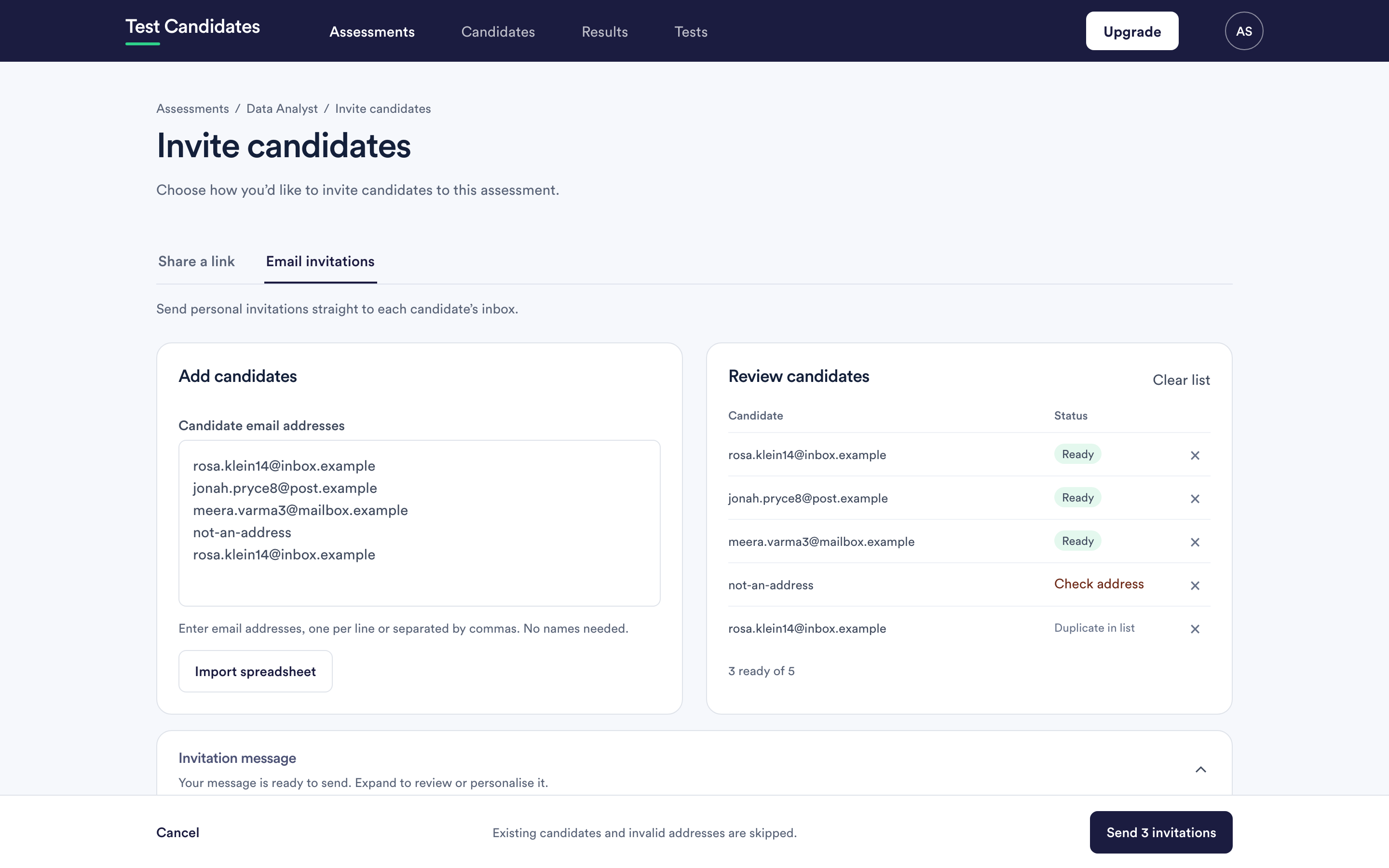
- From: an address at
testcandidates.com, with your company name as the display name. - Subject: an invitation naming your company.
- Body: your invitation message, with the candidate's own link.
That display-name-and-domain combination is the thing filters sometimes dislike: the name says your company, the address says ours. It is legitimate, because we are sending on your behalf, but a cautious filter can read it as impersonation.
Telling candidates to expect the email
The single most effective thing, and it costs you a sentence. Wherever you advertise the role, and in any email you send yourself, say:
You will receive an invitation from Test Candidates on our behalf. If it does not arrive, please check your spam folder.
Candidates who are expecting it go and look.
For your own colleagues and your own domain
If invitations to your own staff, or team invitations, are being quarantined, ask
your IT team to allow mail from testcandidates.com. That is a one-line
change in most mail systems and it fixes it permanently.
Worth doing before a campaign rather than during one, because it also covers result notifications to your own team.
For a candidate's employer's domain
You cannot fix someone else's mail system, and it is not your place to ask them to. Use the workarounds below instead.
When an email still does not arrive
Copy their invite link from the candidate's row and send it from your own address. This bypasses our sending completely and works whatever their filter is doing. It is the reliable fix for a single stubborn case.
Point them at https://www.testcandidates.com/candidate-sign-in, where entering the address you invited them on sends a fresh link.
Use the assessment link instead. Anyone with it registers themselves, with whatever address they like, and no invitation needs to arrive at all. For a role where deliverability keeps biting, this is the structural answer. See share your assessment link.
When it affects many candidates
If invitations are failing across many different domains rather than one, that is something at our end and we want to know. Email support@testcandidates.com with a few of the addresses and roughly when you sent them.