If the library does not cover something specific to your business, you can write your own test and include it in an assessment alongside library tests.
The custom test builder has no link in the main navigation. Reach it at https://www.testcandidates.com/test-builder. It also looks different from the rest of the app, because it has not been through the current redesign. It works.
If you used Describe the role in the assessment builder, the questions it drafted are already here as a custom test named after that assessment. Edit them like any other.
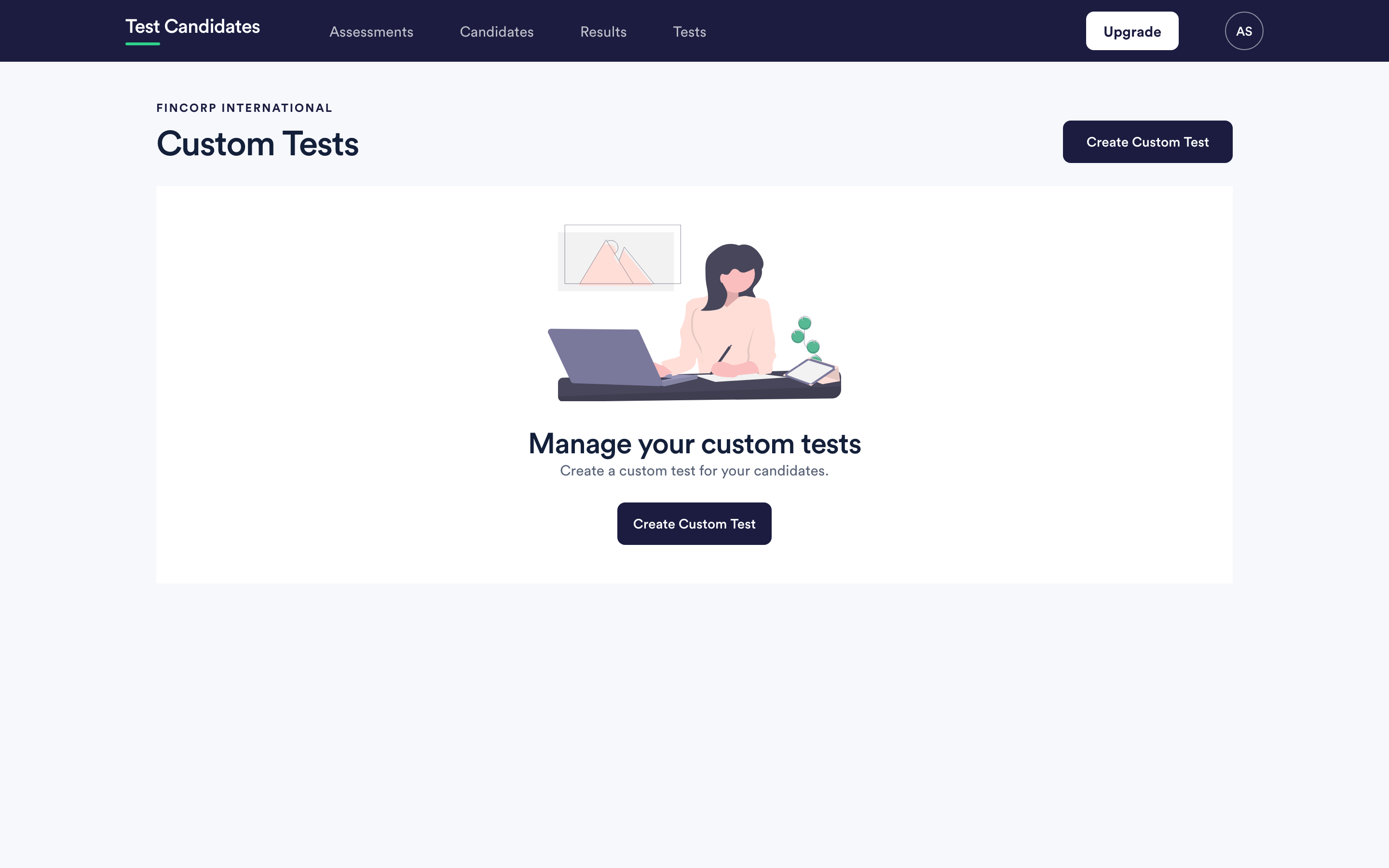
Creating a custom test
- Choose Create Custom Test.
- Give it a name that will make sense in a list of tests next to library ones. Something like "Commercial regulation" or "Our product knowledge".
- Set a duration in minutes, or leave it blank for an untimed test.
- Add questions.
Writing a question
Each question has question text, an optional image, and a list of answers. You mark exactly one answer correct. That is the whole model: custom tests are multiple choice with one right answer.
Practical advice, since nobody checks these for you:
- Make the wrong answers plausible. An obviously silly option is not an option, and a four-choice question with two silly options is a two-choice question.
- Keep the question stem doing the work and the answers short.
- Ask about things the job actually requires. A custom test is the easiest place in the product to accidentally measure whether someone has read your website.
- Read every question back as though you were a candidate with no context.
Using it in an assessment
Your custom tests appear in the builder's library under your own tests, and you filter to them with the test type filter. They sit in the order like any other test.
What custom tests do not do
- No free text, no code, no file upload. One correct answer from a list.
- No difficulty label and no test average. Library tests are compared against an average across everyone who has taken them; a test only your candidates have taken has nothing to compare against, so the report shows the score alone.
- No guide. Library tests carry a written guide on interpreting the result. Yours does not, so write down what you intend to conclude from it before you send it to anyone.
Editing and deleting a custom test
You can edit a test and its questions from the same place. Changing a test that candidates have already taken changes what later candidates see, which makes the two groups no longer comparable. If a test needs real changes mid-campaign, it is usually cleaner to make a new one.