By default candidates are told nothing about their scores. Everything here is something you choose to turn on.
The assessment setting
In the builder, under Optional settings, expand Results and notifications.
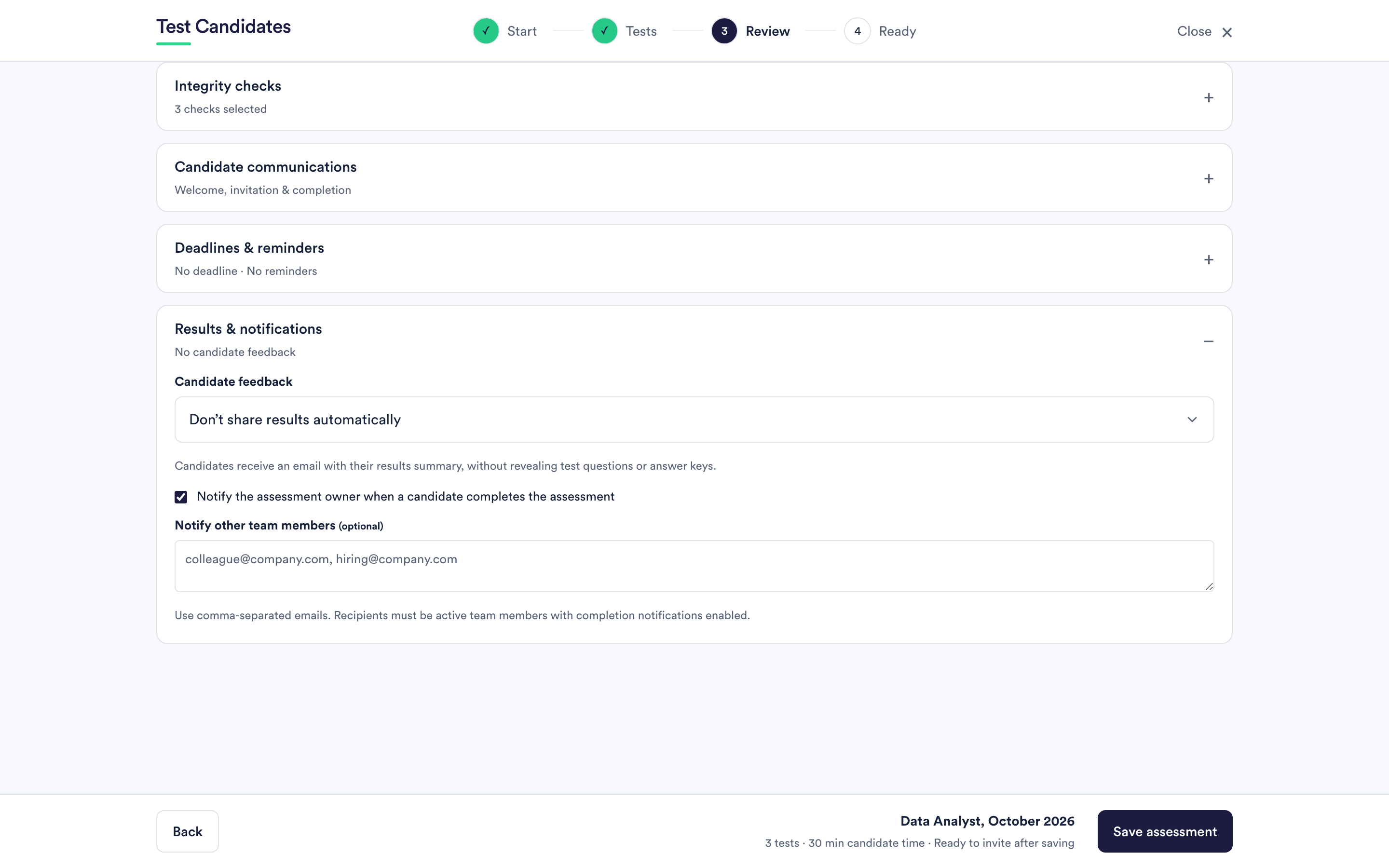
Three choices for candidate feedback:
- Do not share results automatically. The default. Nothing goes out.
- Share a summary after completion. Each candidate is emailed a summary of their results once they finish the whole assessment.
- Share only after our team reviews results. Nothing goes out automatically; you release it per candidate when you are ready.
What a candidate receives
A summary of how they did. It never reveals the test questions or the answer key, which is what keeps the tests usable for the next candidate.
Sharing one result
On Results, a row's actions menu has Share result with candidate, and you can select several rows and share them together. Only unlocked results can be shared.
Use this with the "after review" setting when you want to give feedback to the people you interviewed but not to everyone who applied.
Whether to turn candidate feedback on
Arguments for: candidates who put in half an hour appreciate hearing something, and a summary is a better answer than silence when they ask.
Arguments against: a score without context invites an argument about the score, and you may not want that conversation at volume.
A reasonable middle: leave automatic sharing off, and release results to the candidates you take to interview. They are the ones who will discuss it with you anyway.
Notifying your own team
The same panel controls who hears when a candidate finishes: the assessment owner, and any other people in your workspace you list by email address.
Recipients must be active people in the workspace with completion notifications enabled, who can see that assessment. Adding an address that is not in the workspace does not quietly forward your candidates' results to an outsider.
What candidates are told about feedback
The candidate help centre answers "do you get to see your results?" honestly: that it is the employer's decision. See do you see your results?.