There is no password on a Test Candidates account. Nothing to choose, nothing to remember and nothing to reset. You sign in one of three ways.
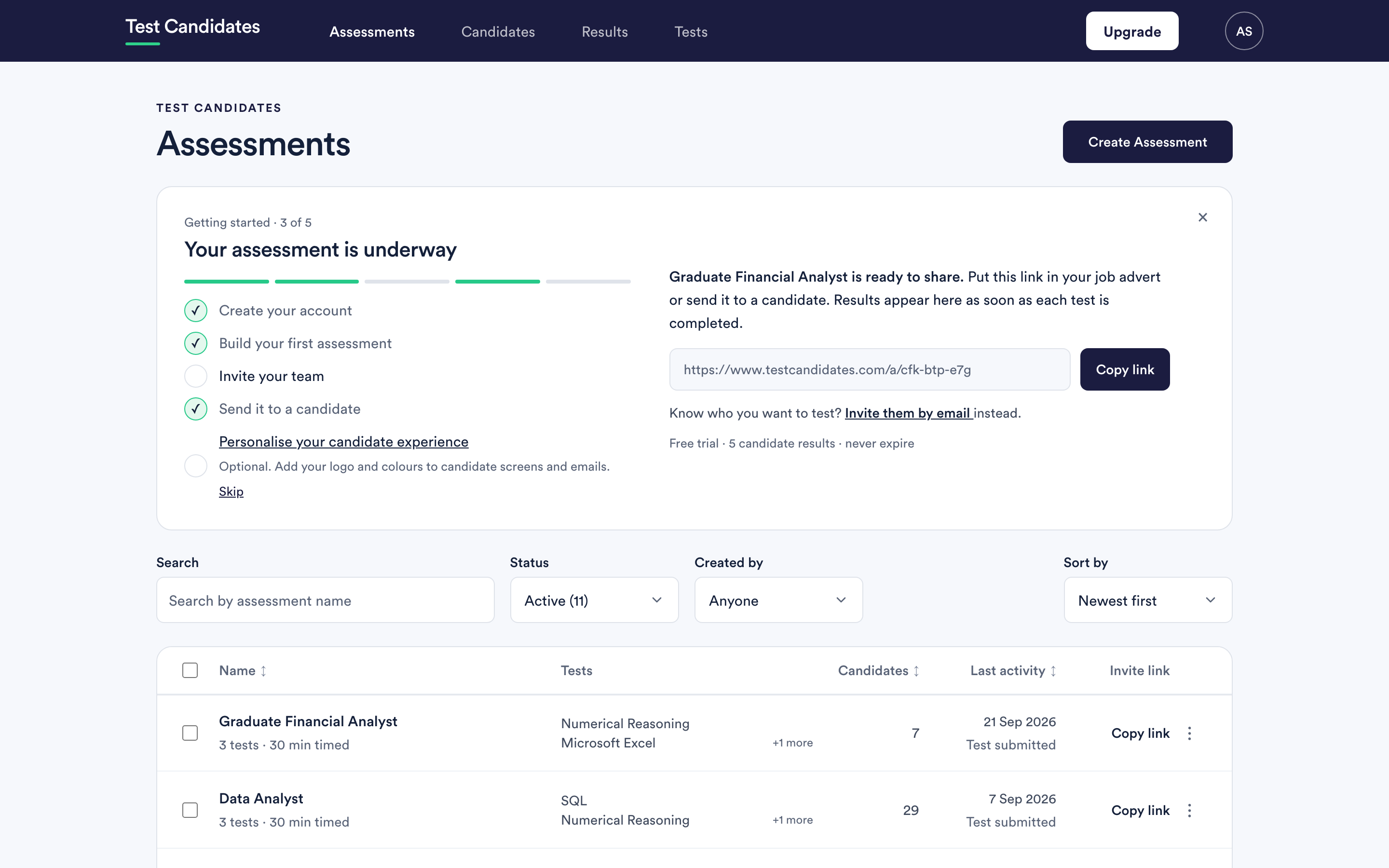
An email sign-in link
Enter your email address and we send you a link. Opening it signs you in.
The link is single use and time limited. That is deliberate: a link sitting in an inbox for a week is a way into your account, so it stops working and you ask for another. Asking for another takes a few seconds.
Google or Microsoft
If you connect a Google or Microsoft work account, you can sign in with one click. Email links keep working alongside it, so connecting an account never locks you out if that provider is unavailable.
Connect or disconnect them under my profile.
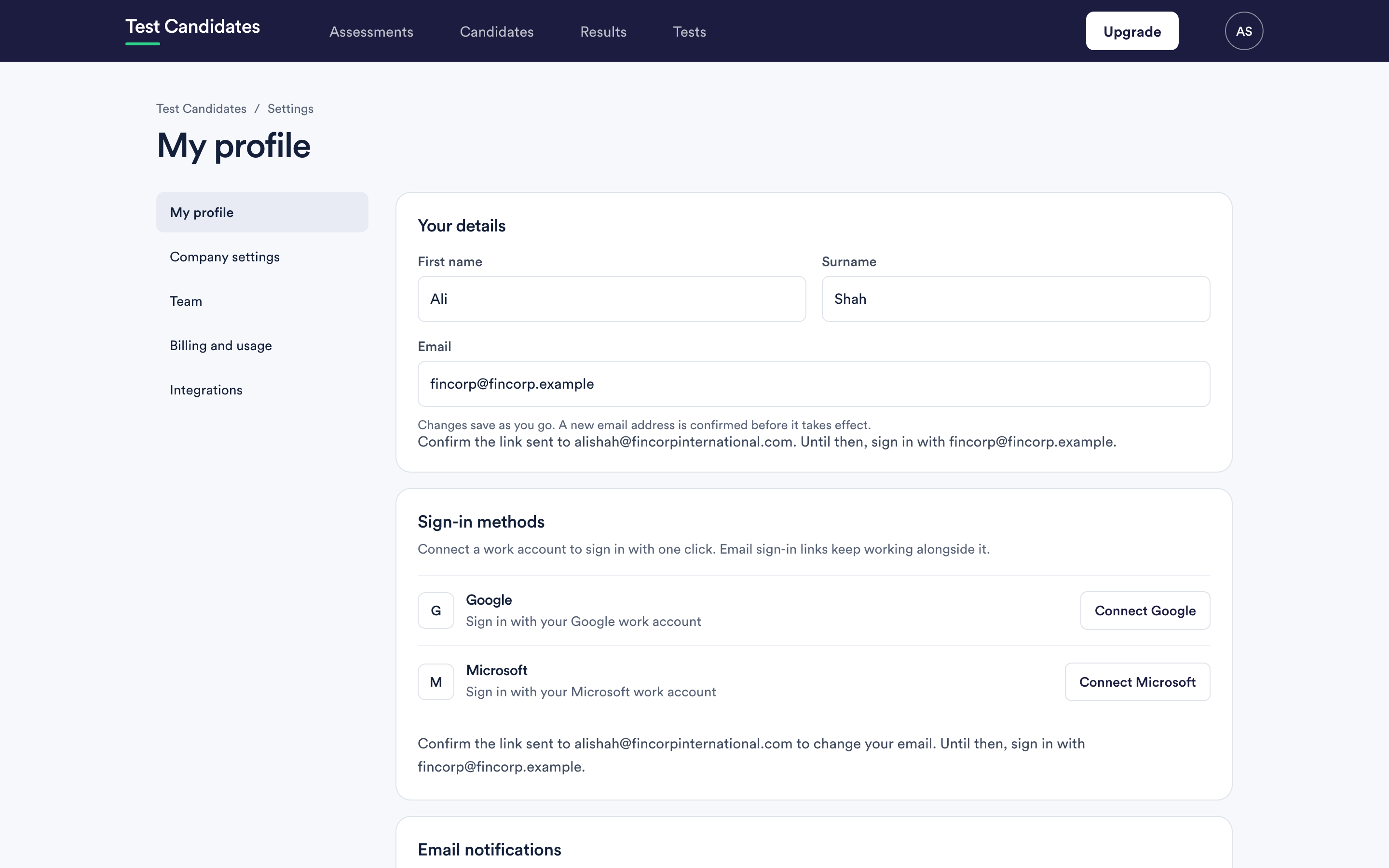
Disconnecting a provider signs out any other device that is currently signed in to the account. That is a security measure rather than a fault.
Single sign-on
If your company uses an identity provider and wants staff to reach Test Candidates through it, that is set up by us for your email domain rather than by you in settings. See single sign-on.
If nothing arrives
Work through sign-in problems. The usual cause is the link going to spam, or being requested for a different address from the one on the account.
Candidates do not sign in here
Candidates have their own way in, through the link in their invitation. If you are a candidate, go to candidate help.