Signing up takes about a minute. There is no card to enter and no password to choose.
What you need
A work email address. That is the only requirement.
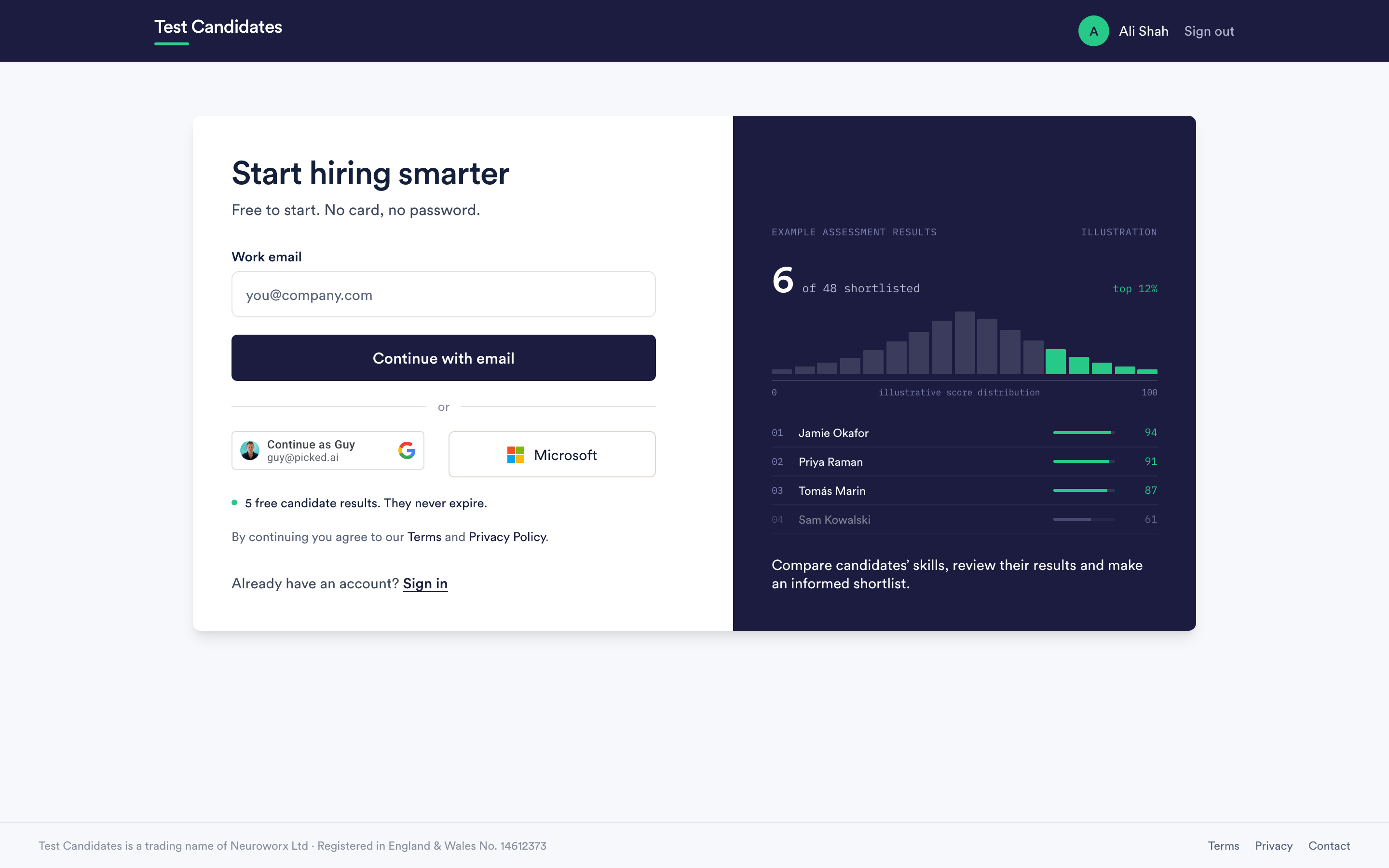
Why a work email address
Personal addresses are turned away at sign-up. Two reasons:
- Your workspace is found by its email domain, so colleagues who sign up later join the account you already created instead of starting a second one.
- Candidates see your company name on their invitation. A workspace anchored to a personal address makes that harder to get right.
If you try a personal address the form says so and offers to continue with your work one. It also catches common typos in the domain and offers the correction.
What a workspace is
A workspace is your company's account: your assessments, your candidates, your results, your billing and the people in it. Everyone you invite joins the same one. You can split it into teams later if you need to.
You are asked to name it during sign-up, and it defaults to a guess from your email domain. It is usually just your company name, and you can rename it later in company settings.
Verifying your address
We email you a link. Opening it confirms the address and signs you in. Nothing is sent to candidates and nothing is charged before you have verified.
If the link does not arrive, check your spam folder first, then see sign-in problems.
Joining a workspace that already exists
If a colleague has already created a workspace for your domain, sign-up recognises the address and sends you a sign-in link instead of making a second account. If you join this way you start as a member, and an admin can change that. If they invited you directly, use the link in that invitation. See add and remove people.
What happens straight after
You land on your assessments with a short checklist, and your first assessment takes a couple of minutes to build. Start at your first assessment, end to end.