Which currencies
Test Candidates bills in a small set of major currencies. The ones available to you appear on the card form and on billing and usage.
How yours is chosen
In this order:
- The currency already on your account, once you have a card saved. It does not move around underneath you.
- A suggestion based on where you appear to be, for a new account.
- A default, if neither applies.
You choose at the card form, and the choice is then your organisation's currency.
Prices are not converted
Each currency has its own price rather than a conversion of another one. The figure you see in your currency is the figure you are charged, and it does not move with exchange rates.
Your card issuer may still apply its own conversion if your card is denominated in a different currency from the one you are billed in. That is between you and your bank, and it is a good reason to pick the currency your card is actually in.
Changing currency
Currency is set on the organisation, so changing it is not a setting on the billing page. Email support@testcandidates.com and say which currency you need and why. It is most often a company that has moved entity or opened an office elsewhere.
Old invoices keep their currency
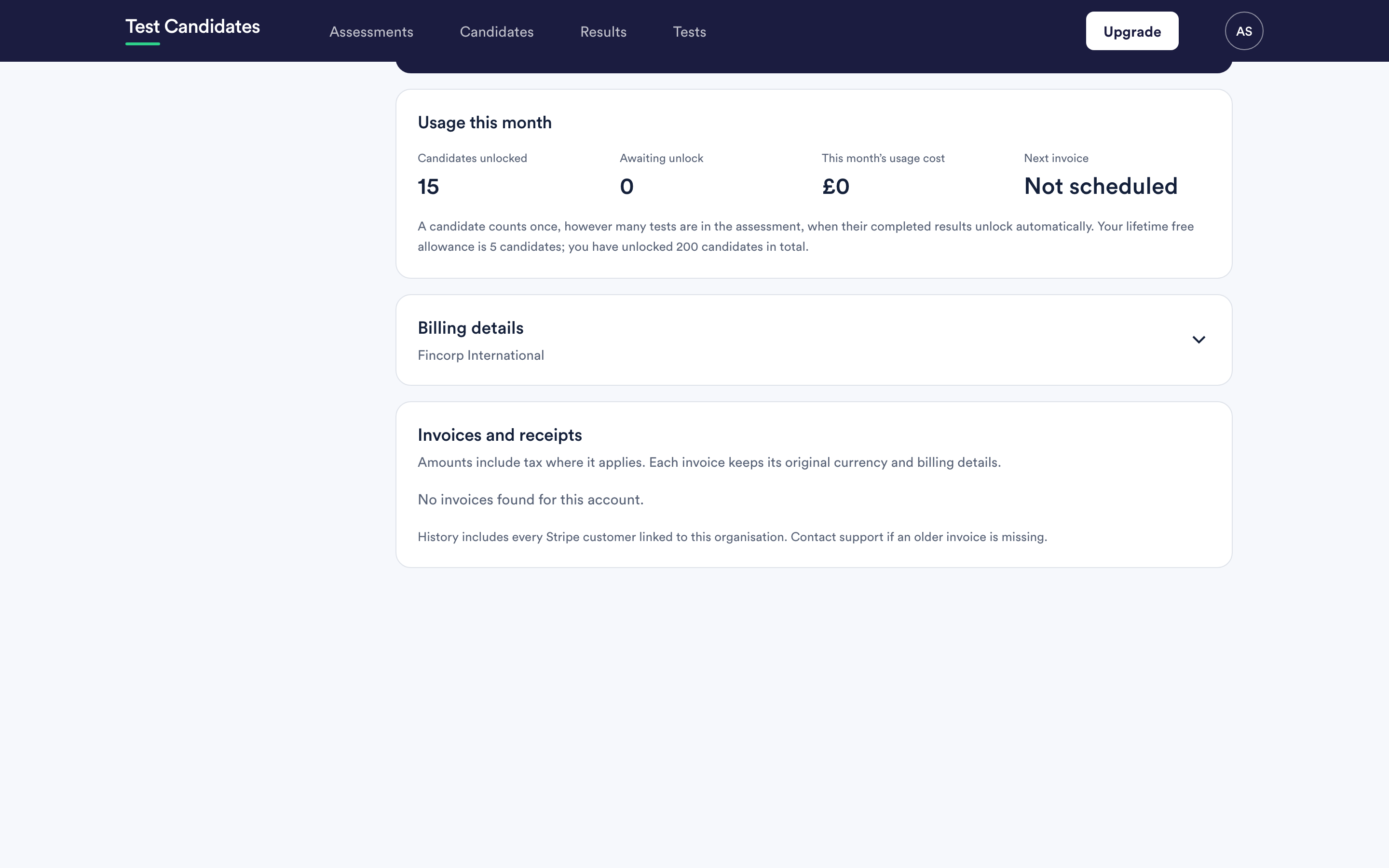
Each invoice keeps the currency and the billing details it was issued with. An invoice from before a change is not restated, because it is a record of what happened rather than a live view.
That is the correct behaviour for your accounts, and it means an invoice list can legitimately show more than one currency.
Tax on your currency
Amounts include tax where it applies, and your invoice shows it separately. See invoices and VAT.
Prepaid packs
A pack is bought in your currency at that currency's price. The balance is counted in candidates, not in money, so it is unaffected by anything that happens to currencies afterwards.