A saved card does one thing: it lets completed results unlock automatically once your free allowance and prepaid balance are used.
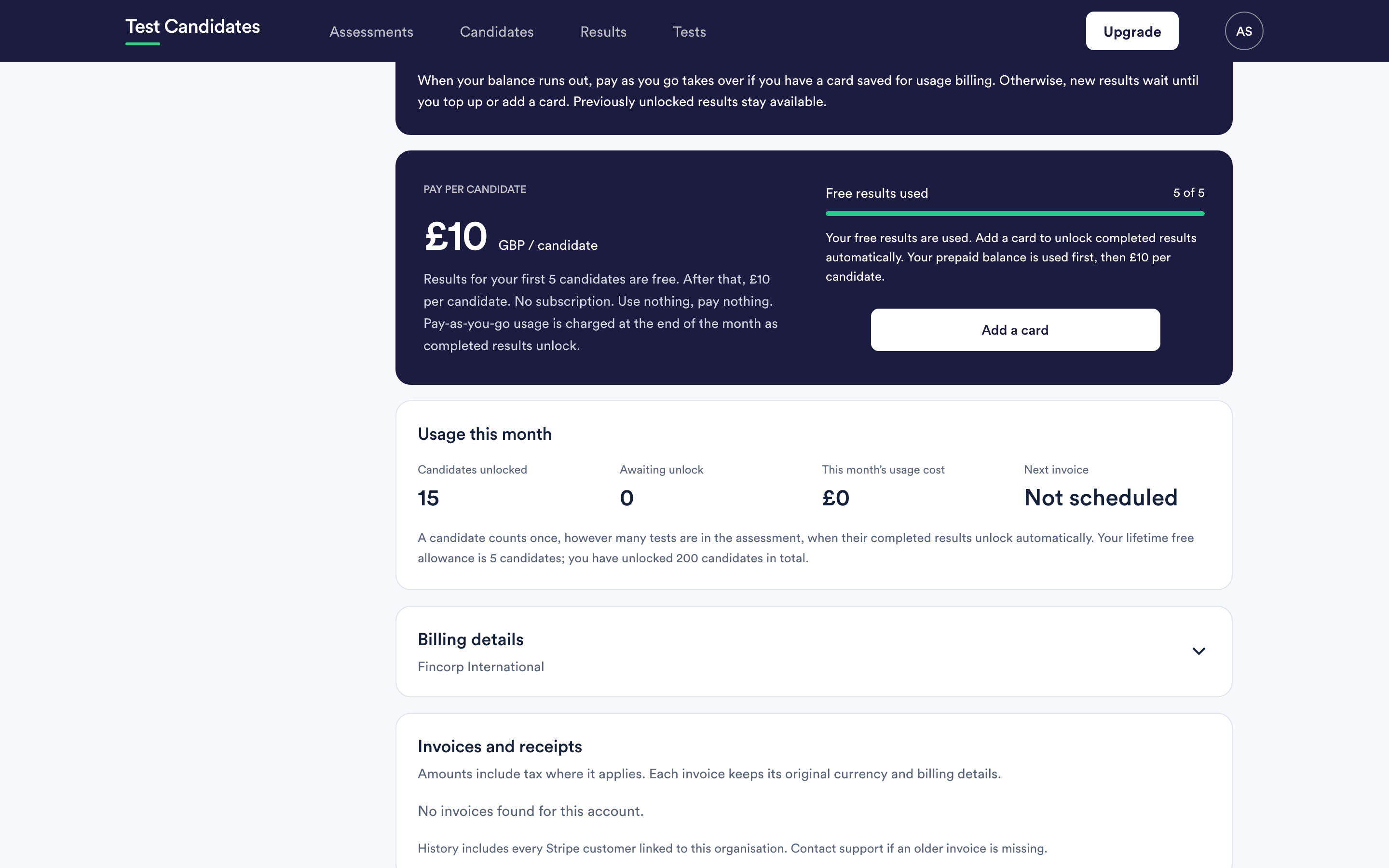
Adding a card
On Billing and usage, choose to add a card and complete the form. The card details are handled by our payment provider and are never stored by us.
Your bank may ask you to confirm it is you. That is normal, and it is more likely on larger payments such as a pack purchase. If the confirmation window closes before you finish, nothing is charged; start again.
What happens straight after
Any results that were waiting are released. If you had a queue of candidates showing as Locked, they become readable.
Changing your card
Same place. Adding a new card replaces the one on file. Do it before a card expires rather than after: an expired card means results wait rather than unlocking, and you find out from a candidate asking why you have not replied.
Removing your card
You can. Results then wait instead of unlocking automatically, and everything already unlocked stays readable and exportable.
There is no subscription to cancel alongside it, because per-candidate billing does not create one. Removing the card is the whole of stopping.
A failed payment
If a payment fails, results stop unlocking automatically until it is settled. Update the card and the queue clears. If you cannot work out why a payment failed, your bank will usually tell you more than we can see; email support@testcandidates.com with the invoice number and we will check our side.
Buying a pack does not save a card
A pack purchase is a one-off payment. It does not create a recurring mandate and it does not by itself enable pay as you go. If you want overflow to unlock automatically once a pack runs out, save a card as well. See buy a candidate pack.
Who can change the card
Admins only. Members do not see billing. If you have several admins, agree who looks after it. See what admins and members can see.