Account, people and branding
People, roles, teams, branding and sign-in.
-
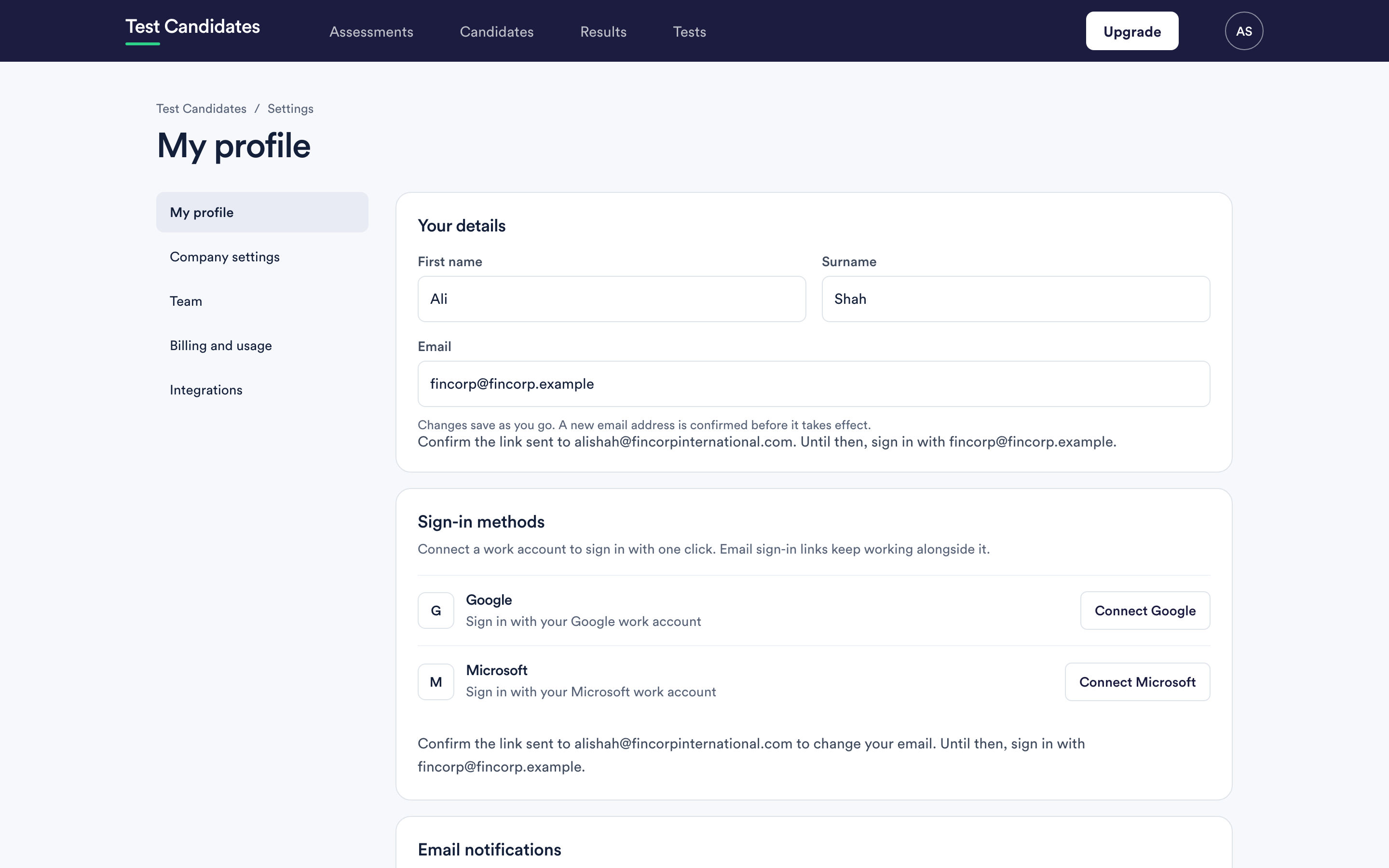 Manage your profile and details
Changing your name and email address, connecting a work account, and what happens to your old address in the meantime.
Manage your profile and details
Changing your name and email address, connecting a work account, and what happens to your old address in the meantime.
-
 Email notifications
The four notifications you can turn on, what triggers each one, and why they are personal rather than account-wide.
Email notifications
The four notifications you can turn on, what triggers each one, and why they are personal rather than account-wide.
-
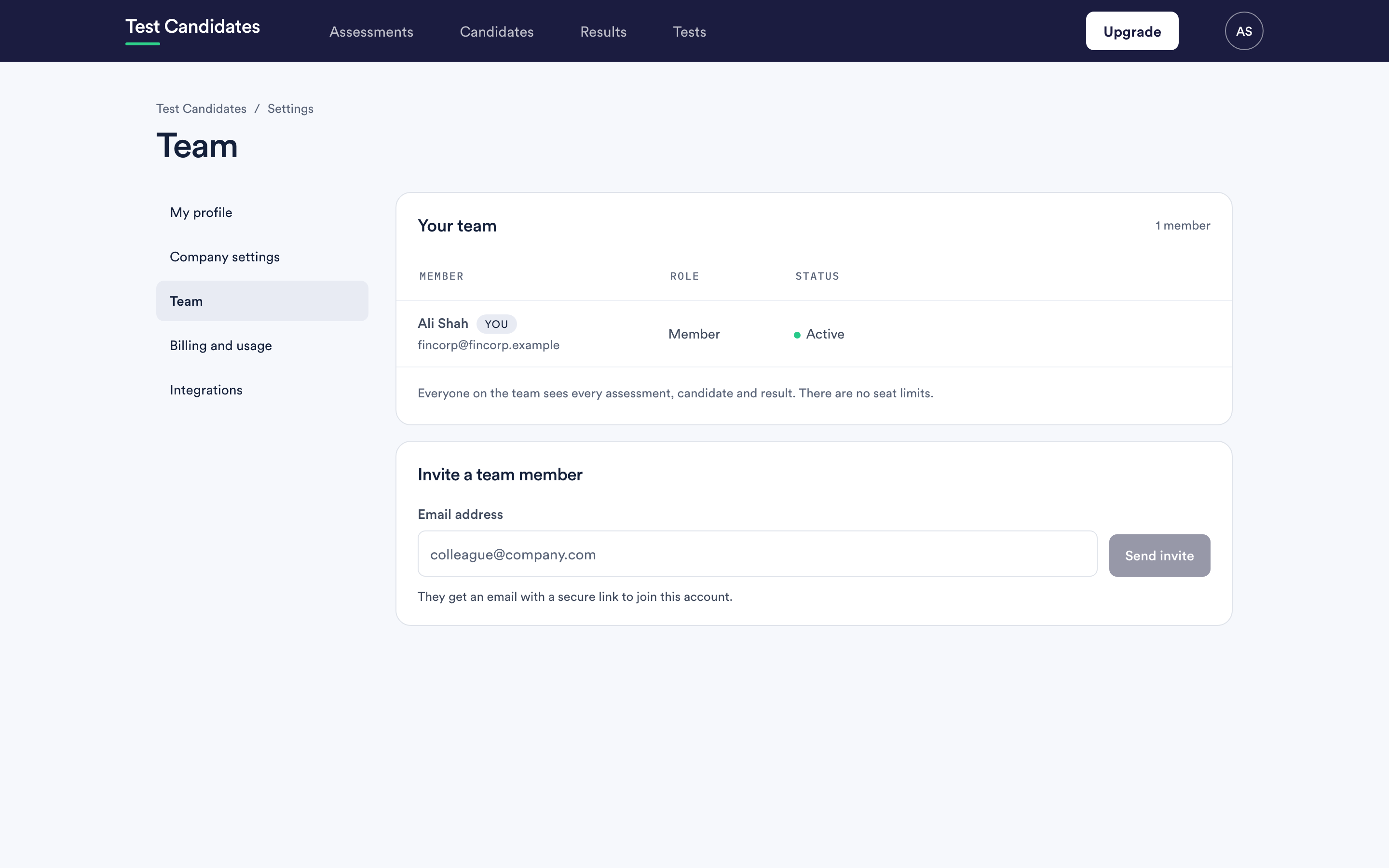 Add and remove people
Inviting people to your workspace, choosing their role and teams, changing a role, and what happens to someone's work when you remove them.
Add and remove people
Inviting people to your workspace, choosing their role and teams, changing a role, and what happens to someone's work when you remove them.
-
What admins and members can see
Roles decide what someone can do. Teams decide what they see. How the two work together.
-
Use teams to split up your workspace
What a team is, how to make one, how someone's teams decide what they see, and how assessments are placed in a team.
-
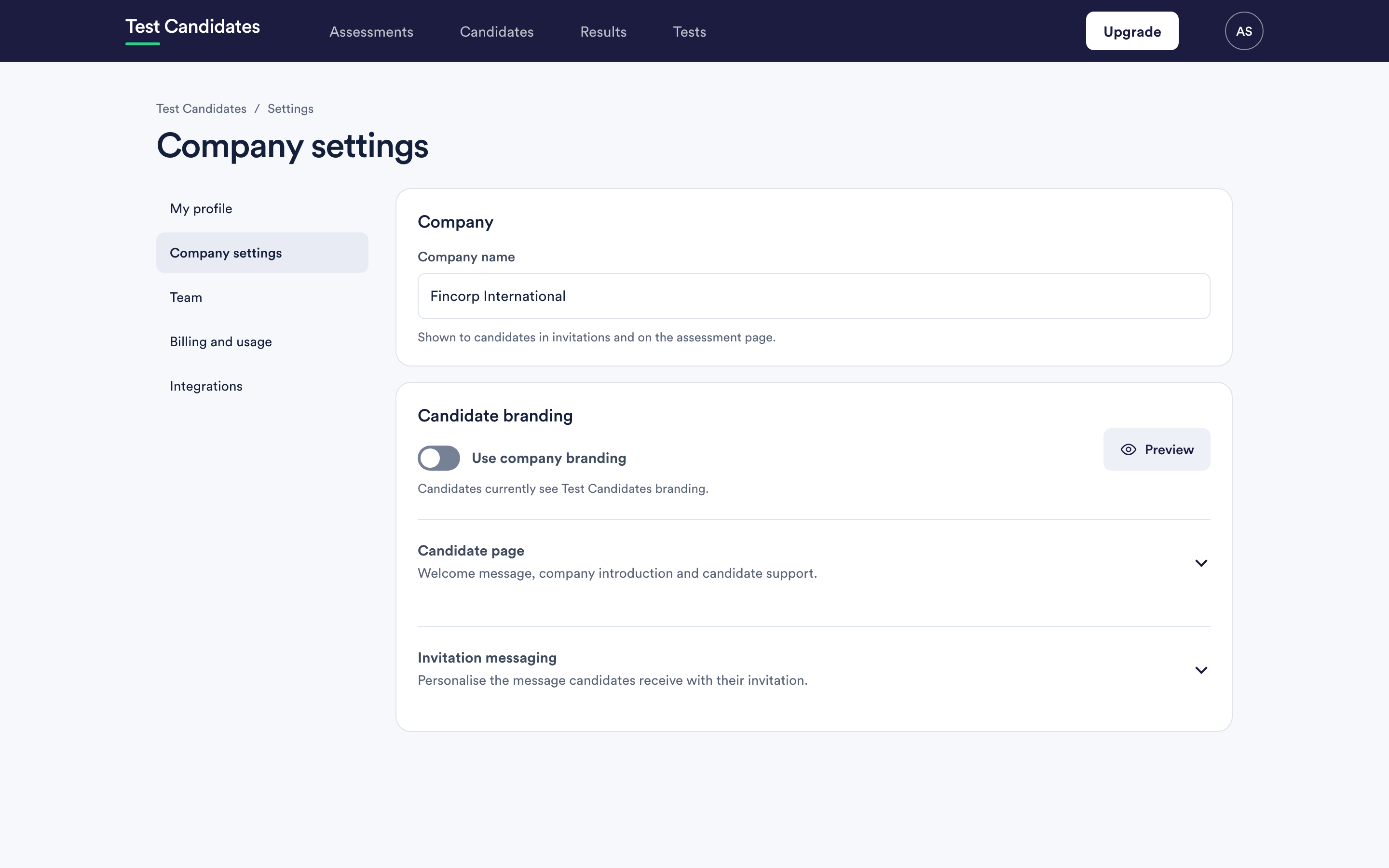 Client branding for agencies
Put a client's name, logo and colour on the tests their candidates take and on the reports you send them, using one team per client.
Client branding for agencies
Put a client's name, logo and colour on the tests their candidates take and on the reports you send them, using one team per client.
-
Your company name and details
Where your company name appears, how to change it, and the details that belong on an invoice rather than on a candidate page.
-
Set up your company branding
Your logo and colour, the automatic suggestion from your website, and how to check it before candidates do.
-
 Single sign-on
What SSO means here, who it is for, and how to ask for it. It is not something you can switch on yourself.
Single sign-on
What SSO means here, who it is for, and how to ask for it. It is not something you can switch on yourself.
-
 Closing your account
How to close an account, what happens to candidate data, and what to do before you go.
Closing your account
How to close an account, what happens to candidate data, and what to do before you go.