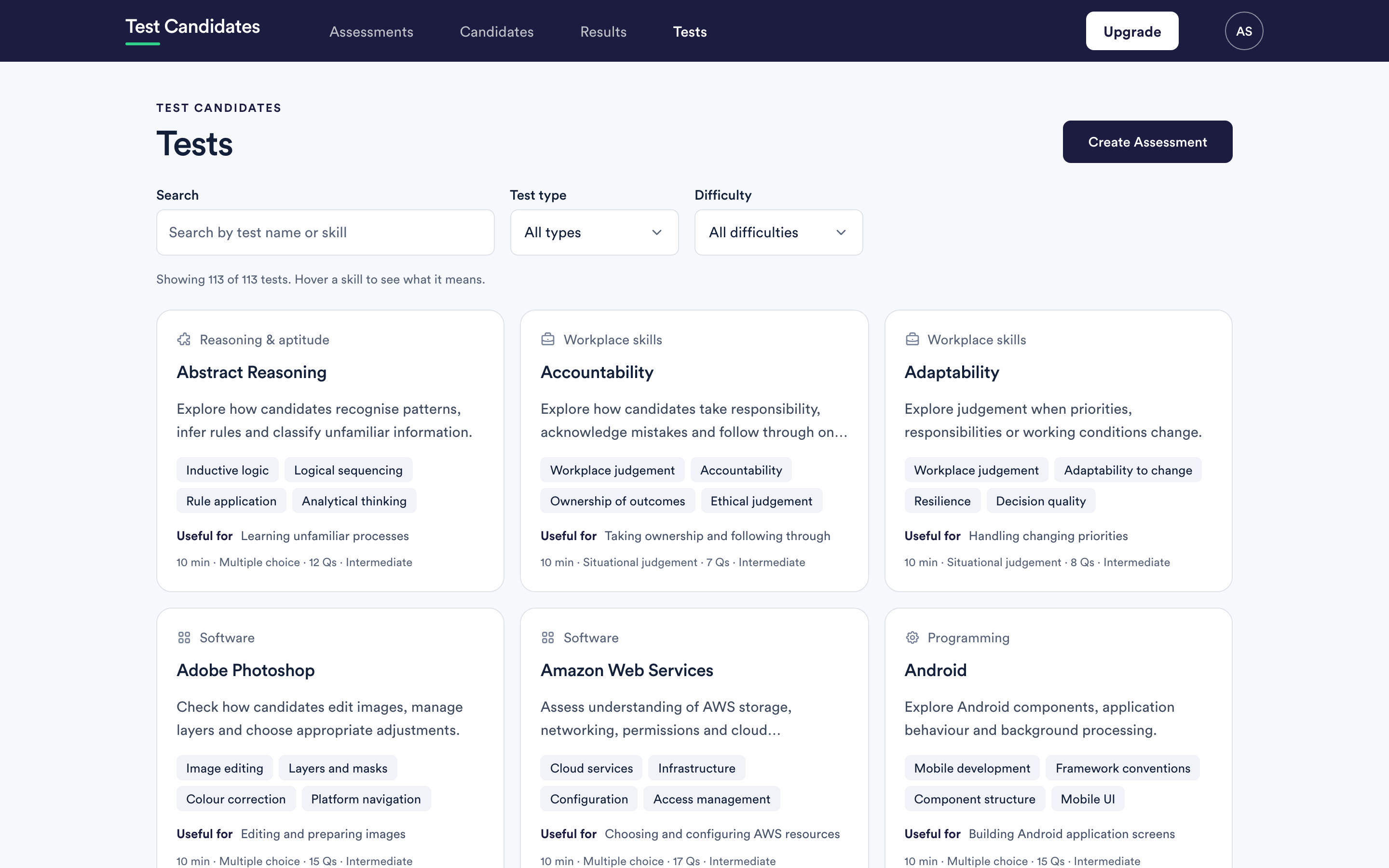
Tests in the main navigation is the whole library. You can browse it without building anything, and it is the best place to start if you are not sure what to measure.
The seven test types
| Type | What it covers |
|---|---|
| Cognitive ability | Numerical, verbal, logical, abstract, mechanical, spatial, error checking and more |
| Personality | How someone works and what motivates them. Not scored |
| Soft skills | Judgement in work situations: communication, teamwork, emotional intelligence and similar |
| Role specific | Knowledge for a particular job, such as admin, bookkeeping, customer service, sales or IT support. Also the typing tests and the case studies |
| Software | Tools people use daily: spreadsheets, design, analytics, advertising and CRM |
| Coding | Languages, frameworks and developer tools, from Python to Docker |
| Language | Proficiency in a language, plus English grammar and spelling |
Role specific tests do not have an article of their own yet. Most are multiple choice, like the software tests. Each case study gives the candidate a short work pack, such as a budget or a sales report, and asks questions about it. Typing Speed and Number Pad Data Entry are different: the candidate types, and the result is their speed and accuracy.
The library page shows how many tests there are in total and how many match your filters.
Browsing the library
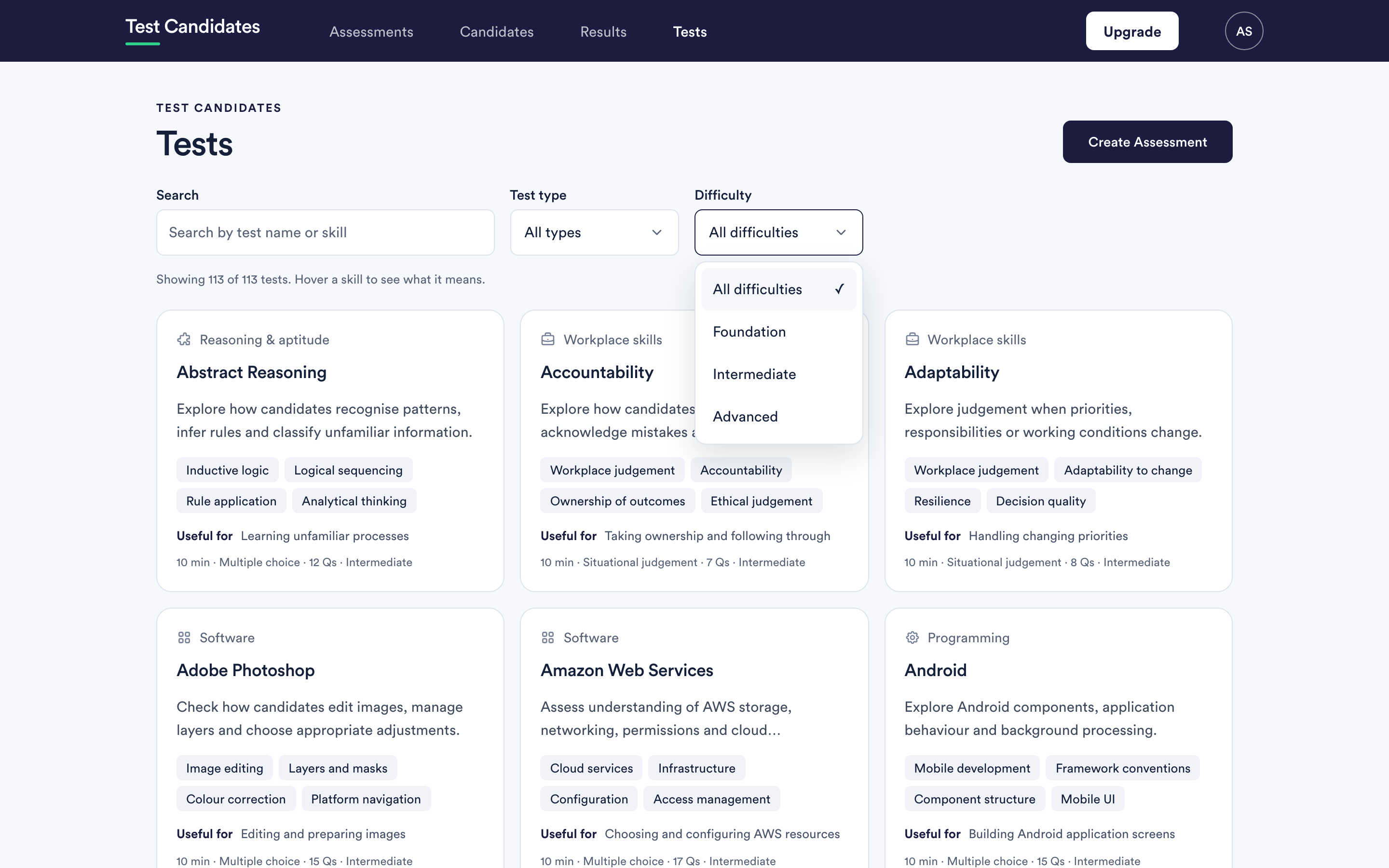
Search matches test names and the skills a test measures, so searching for what you care about works even when you do not know the test's name. Try "attention to detail", "spreadsheets" or "handling a complaint".
Test type narrows to one of the seven types. Difficulty narrows to Foundation, Intermediate or Advanced, where a test exists at more than one level.
Every test has a guide
This is the part worth knowing about. Open any test and you get a written guide, not a marketing page:
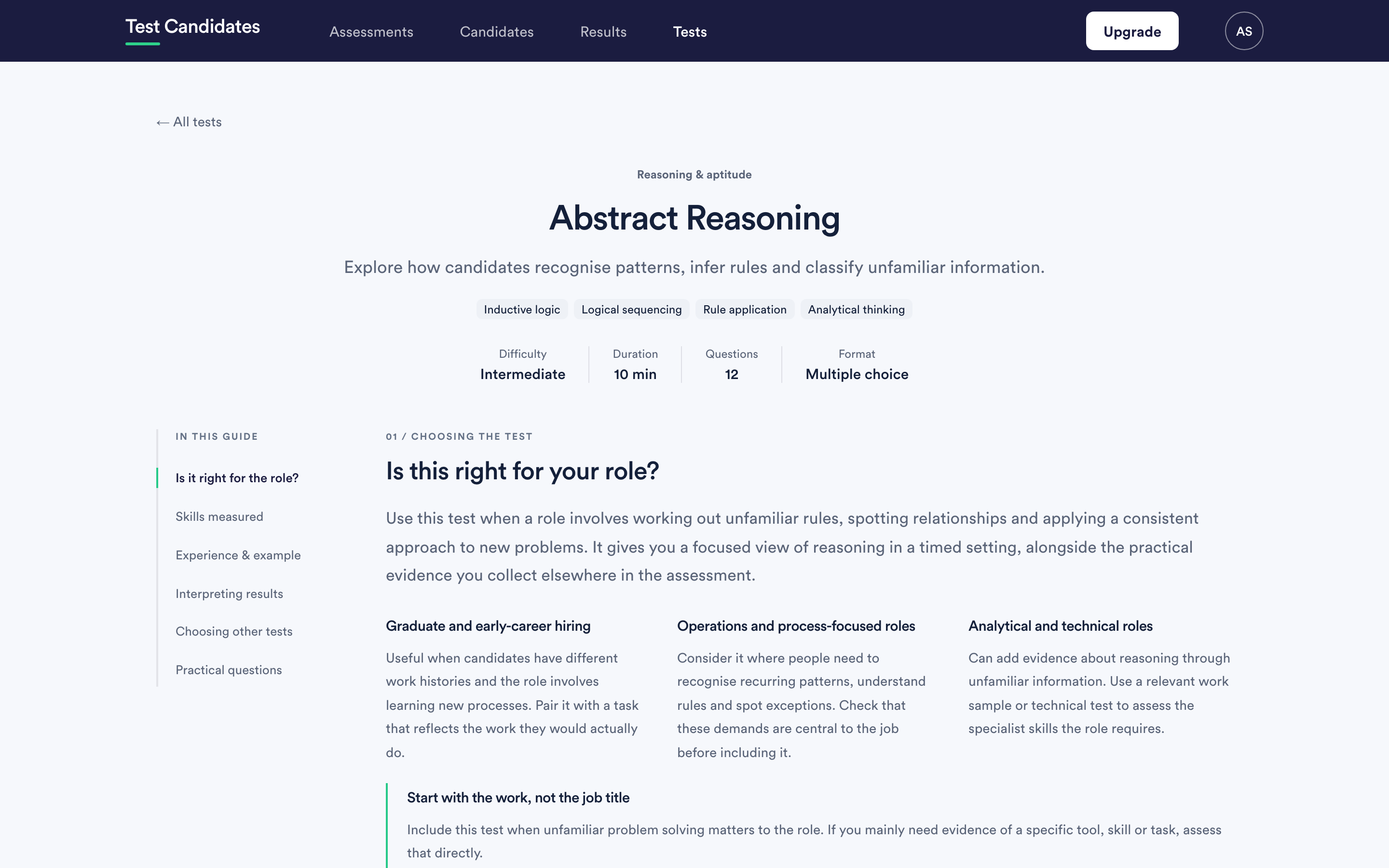
- Is this right for your role, with the situations it suits.
- Skills measured, named and defined.
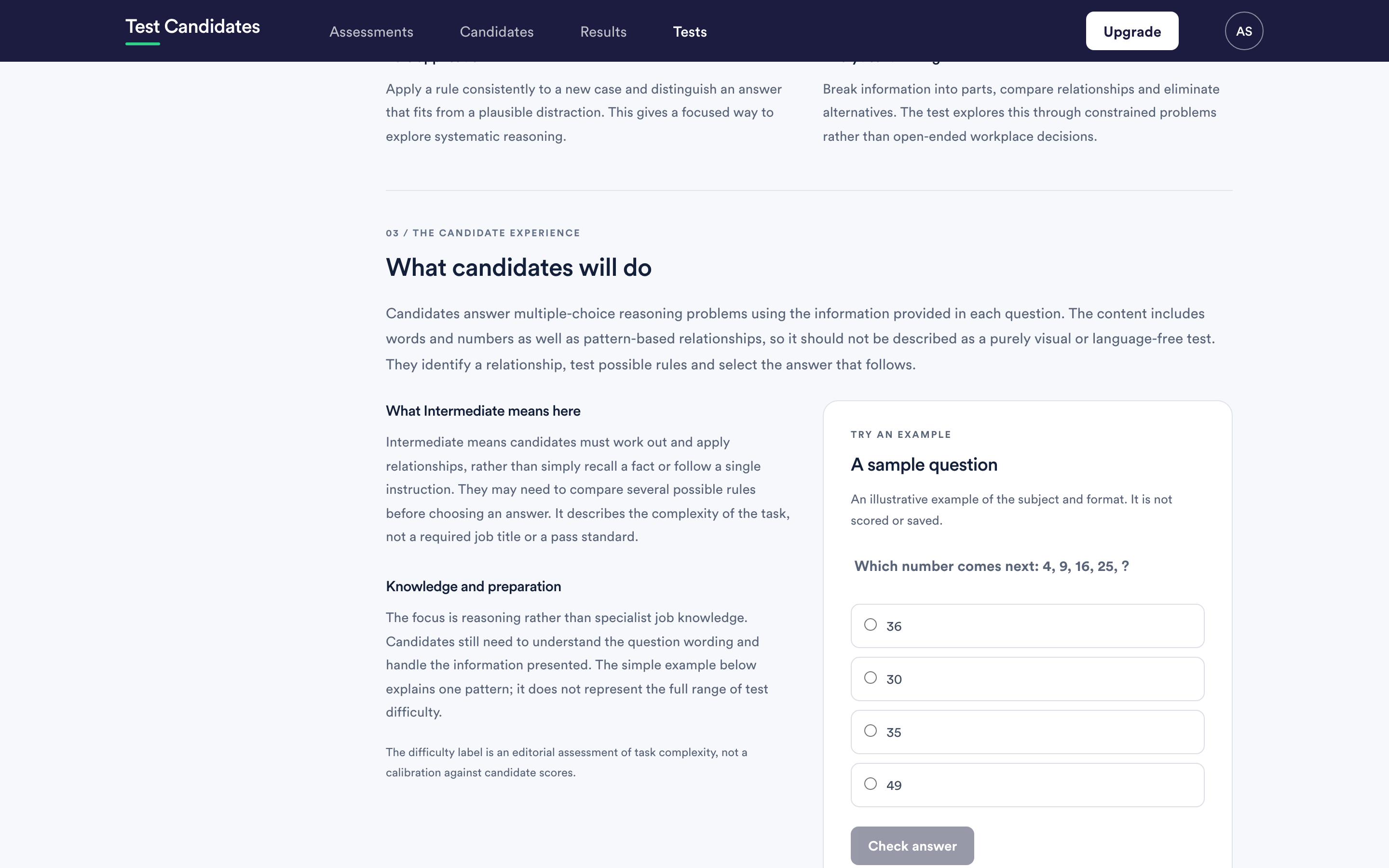
- A sample question you can answer yourself, so you know what candidates face.
- Interpreting results: what a stronger score supports, what it does not establish, and how to treat a lower one.
- An interview follow-up question, and what to listen for in the answer.
- Choosing other tests, including what this one duplicates.
If you read one thing before adding a test to an assessment, read its "interpreting results" section.
Formats you will meet
Multiple choice, situational judgement, point allocation, questionnaire and typing. What each means is covered in the articles above.
Writing your own
If nothing in the library covers something specific to your business, you can write a multiple-choice test of your own. See build a custom test.