There is no password to create and none to forget. Every route in works by proving you can receive email at the address the employer invited you on.
The link in your invitation
The simplest route. Opening the link in your invitation email signs you in and takes you to your assessment. Nothing else is needed.
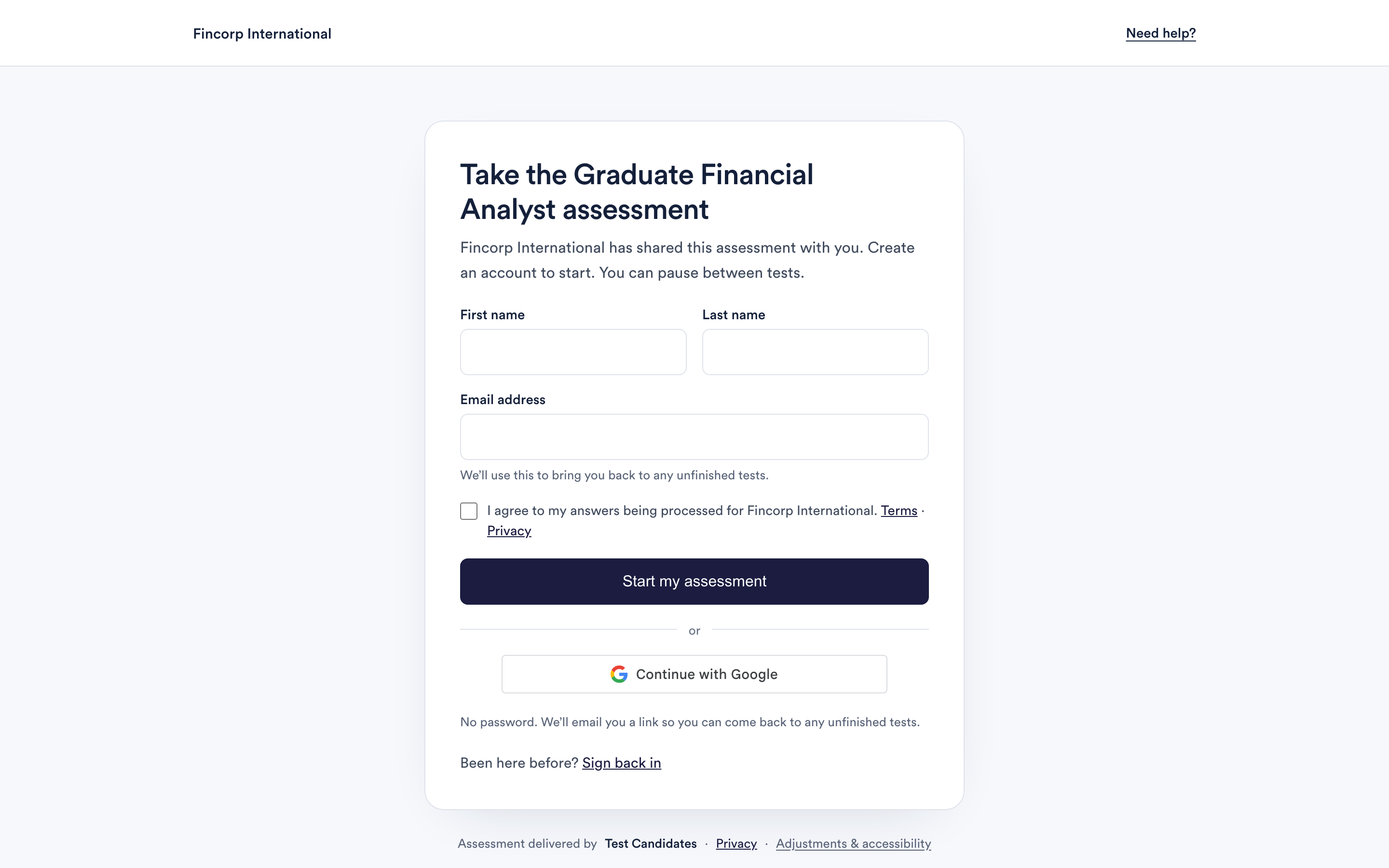
Invitation links are single use and time limited, which is what stops someone opening your assessment from a forwarded email. If yours has stopped working, get a fresh one rather than asking the employer. See my link has expired.
Asking for a fresh link
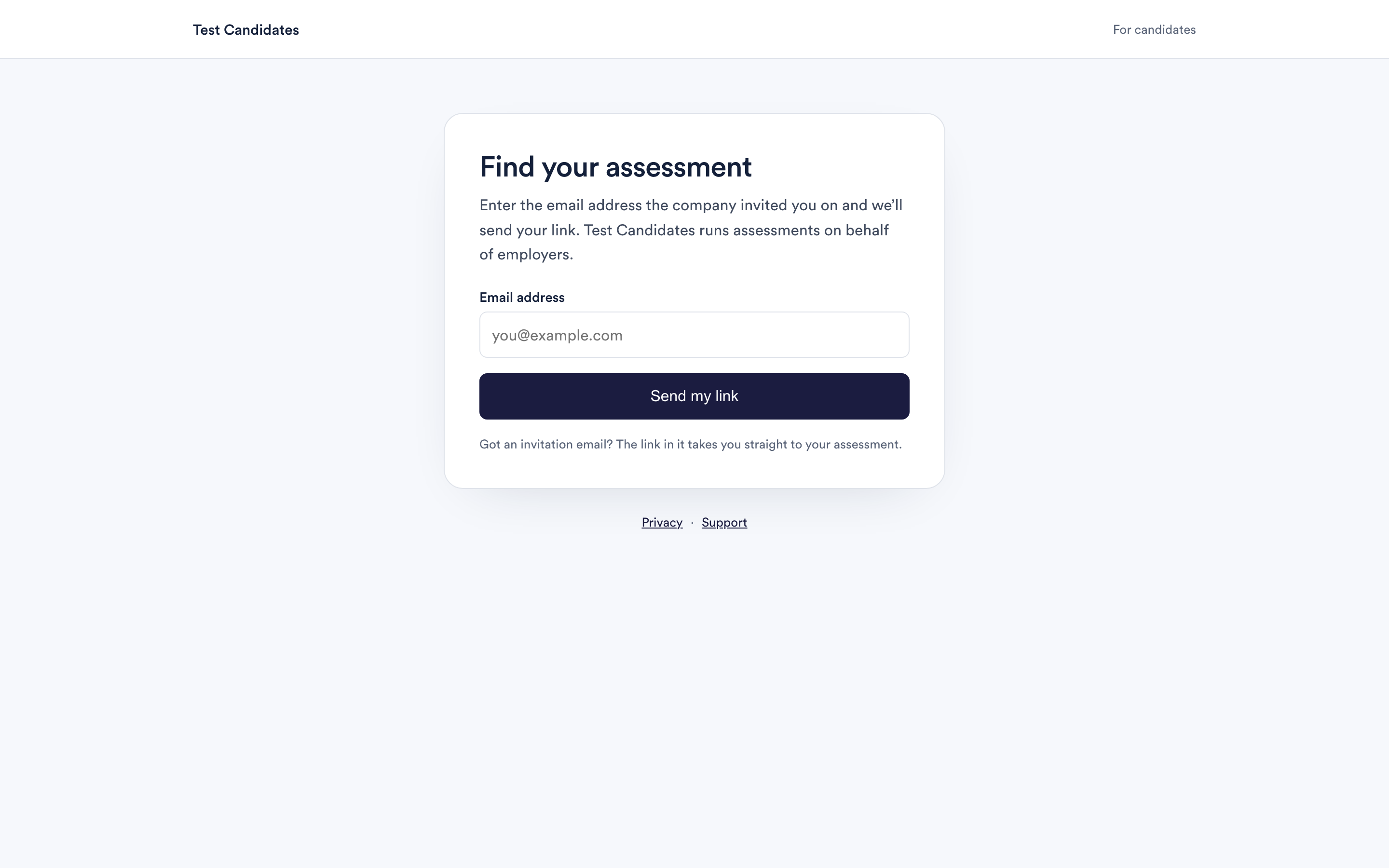
Go to find your assessment and enter the email address the company invited you on. If an assessment is waiting for that address, we email you a link straight away. Open it and you are signed in.
It must be the address the employer used. The invitation is attached to that address, so a different one will find nothing even if it is also yours.
Signing in with Google
If the address the employer invited you on is a Google account, you can use the Google button instead of waiting for an email. It signs you in immediately.
This is the same account either way. Signing in with Google does not create a second profile, and it does not give us access to your Google account beyond confirming the address.
If you are asked to sign in again part way through
That is unusual but harmless. Your answers are saved as you go, so signing back in returns you to where you were. Use the link in your invitation email, or ask for a fresh one.
Be aware that if this happens during a timed test, the clock will have kept running. See how your answers are saved.