If you need an adjustment to take the assessment fairly, you can almost certainly have one. Some of it you can turn on yourself, and some of it is the employer's to agree.
How extra time works
Extra time adds 25 percent to the clock on a timed test.
The employer agrees it, and you apply it. On the instructions page before each test there is a setting confirming you have been given permission to have extra time. Turn it on there.
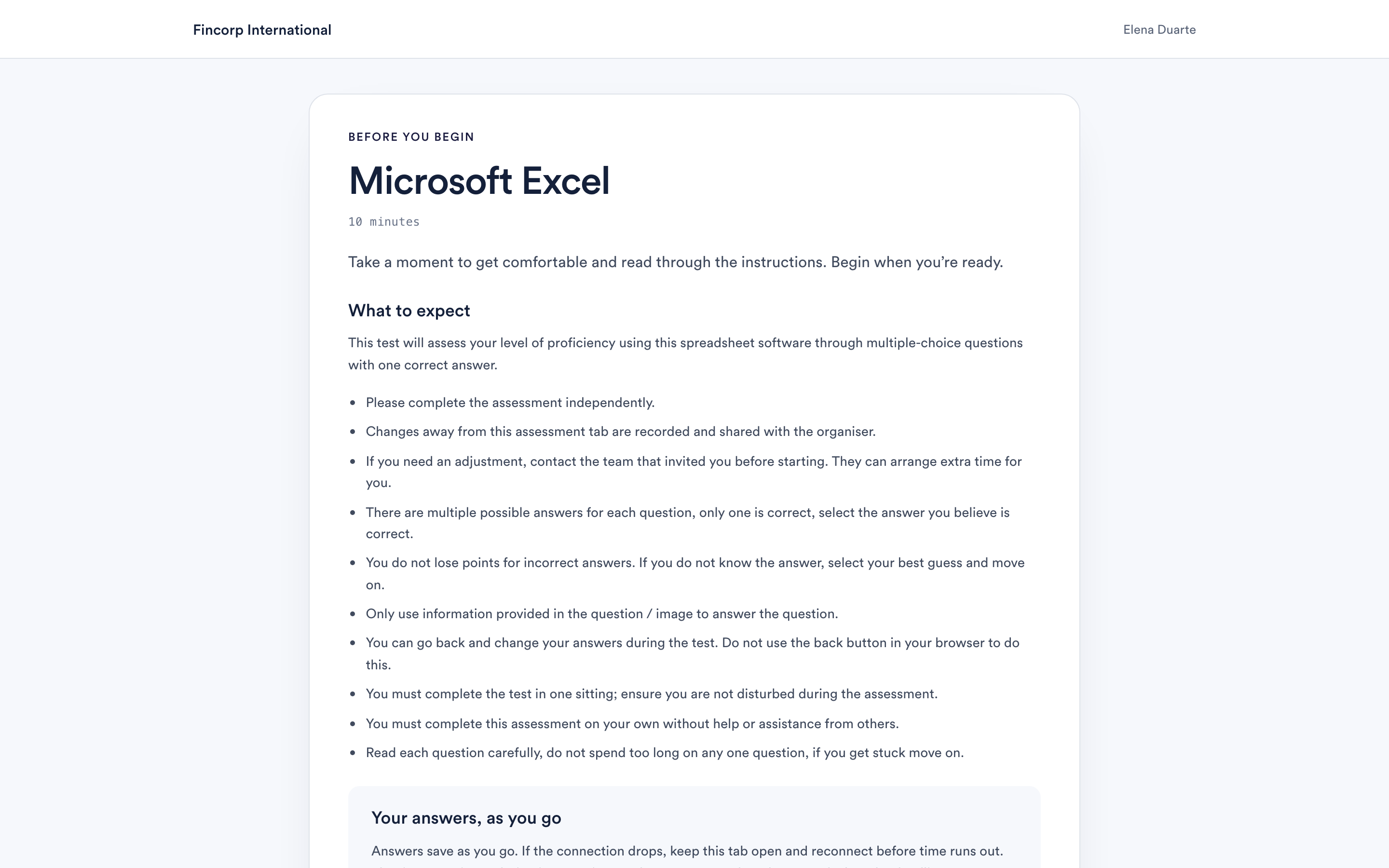
Turn it on before you start the test, not during it. The clock is set when the test begins, so applying it afterwards does not extend a test already running.
If you have not agreed extra time with the employer yet, ask them before you start. They are the ones who decide, because they are the ones assessing you. Their contact details are in the invitation email that brought you here.
The accessibility settings
On the same instructions page you can turn on single-key shortcuts, which let you work without a mouse:
- Number keys select an answer.
- F flags the question to come back to.
- C clears your answer.
Working with a screen reader or magnification
The tests are built to be read by a screen reader, and the questions, options and timer are all announced. Charts and tables carry text descriptions.
If you use magnification, a larger screen helps: some questions include a table or a chart, and those are easier to work with when you are not scrolling.
Adjustments we cannot decide for you
Anything that changes how you are assessed, rather than how the page behaves, is the employer's decision. That includes extra time, a different format, a longer deadline, or sitting the assessment in a different way.
Ask the company that invited you. They can see your assessment and they can change these things. If you would rather not explain your circumstances to them, email support@testcandidates.com and we will help you work out what to ask for.