Taking your assessment
How answers are saved, the timer, flagging questions and finishing.
-
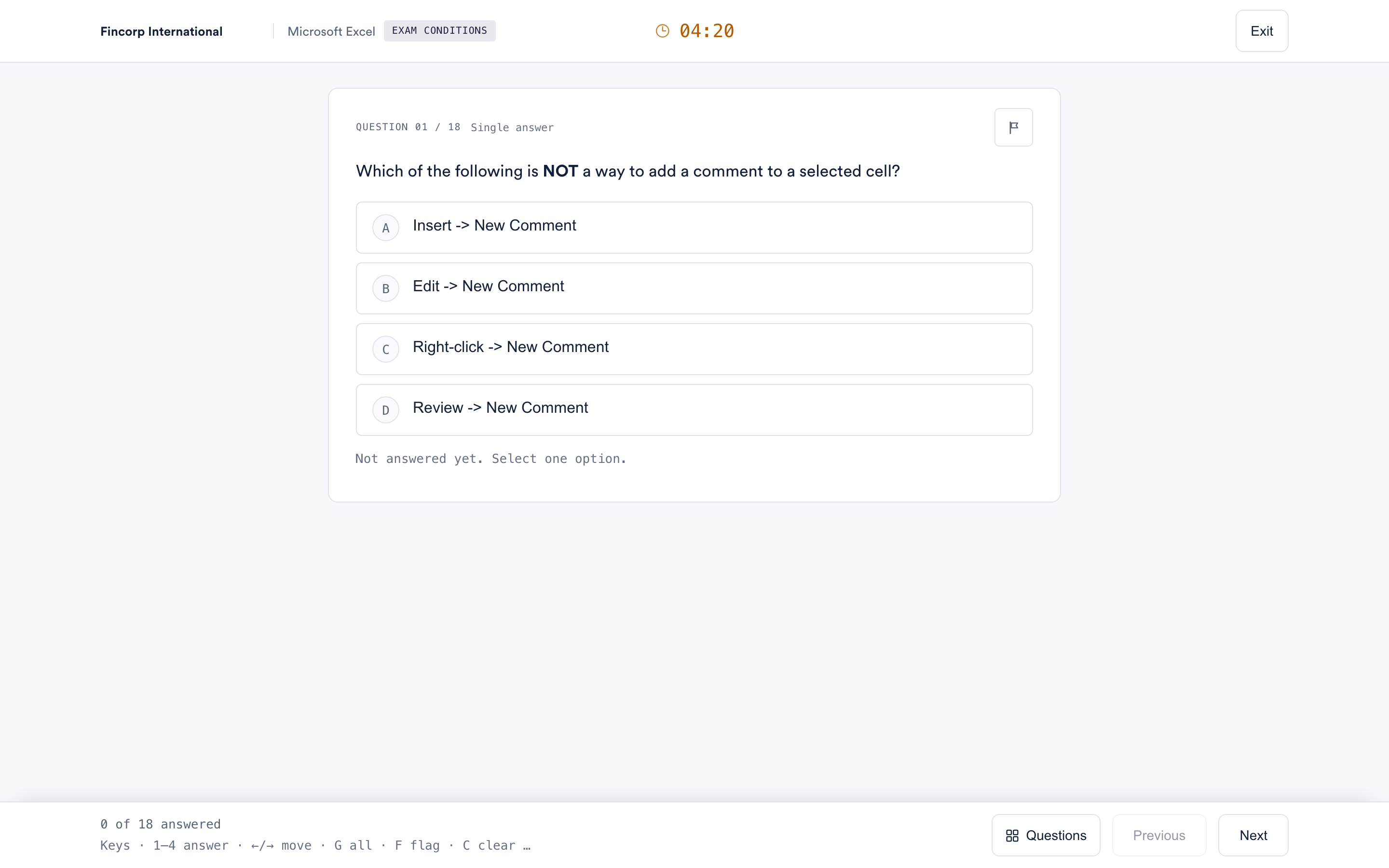 How your answers are saved, and what the timer does
Your answers save as you go, the clock does not pause, and only answers saved before the deadline are counted. What that means in practice.
How your answers are saved, and what the timer does
Your answers save as you go, the clock does not pause, and only answers saved before the deadline are counted. What that means in practice.
-
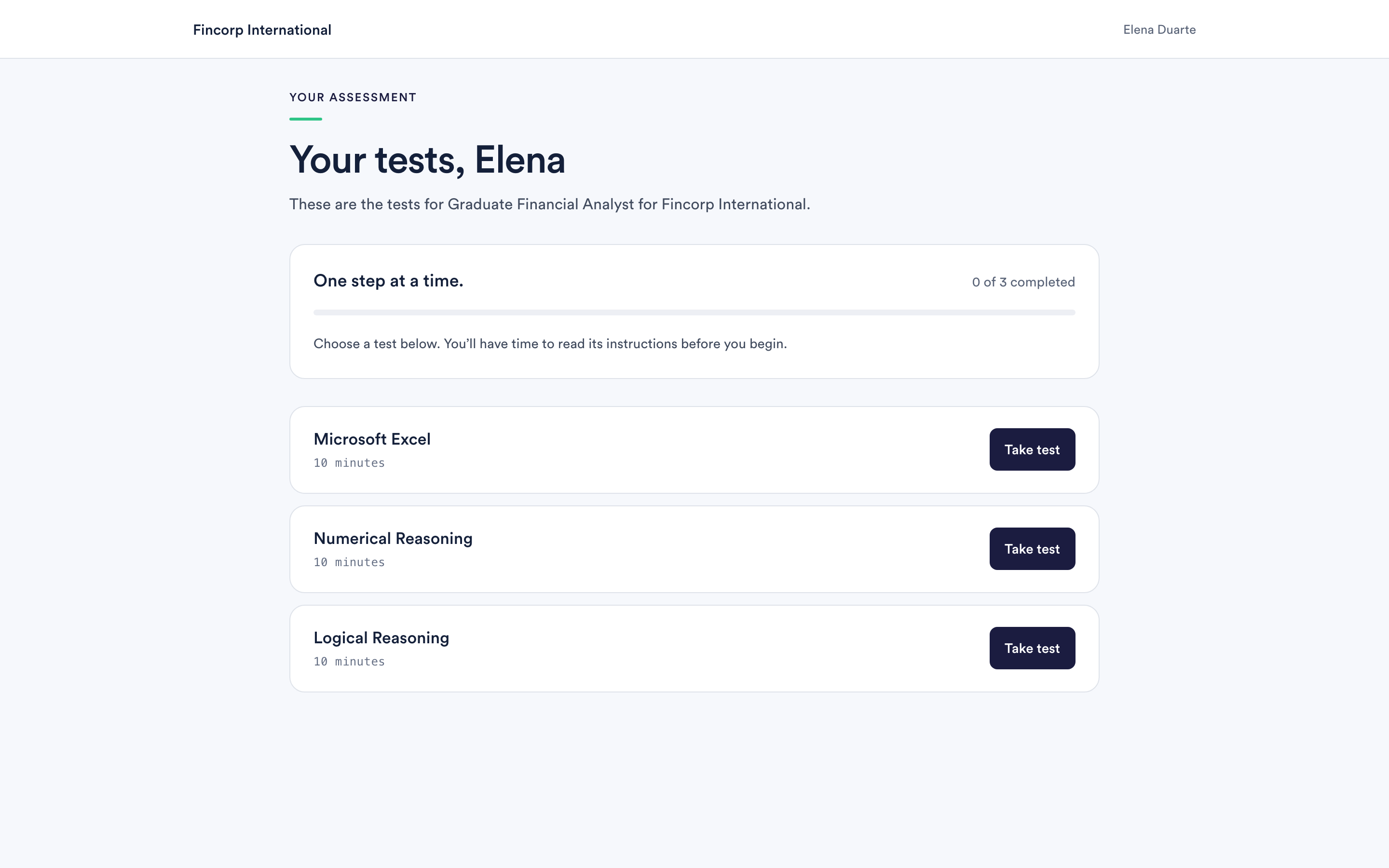 Taking your tests one at a time
Your assessment is several separate tests. You choose the order, and nothing starts until you say so.
Taking your tests one at a time
Your assessment is several separate tests. You choose the order, and nothing starts until you say so.
-
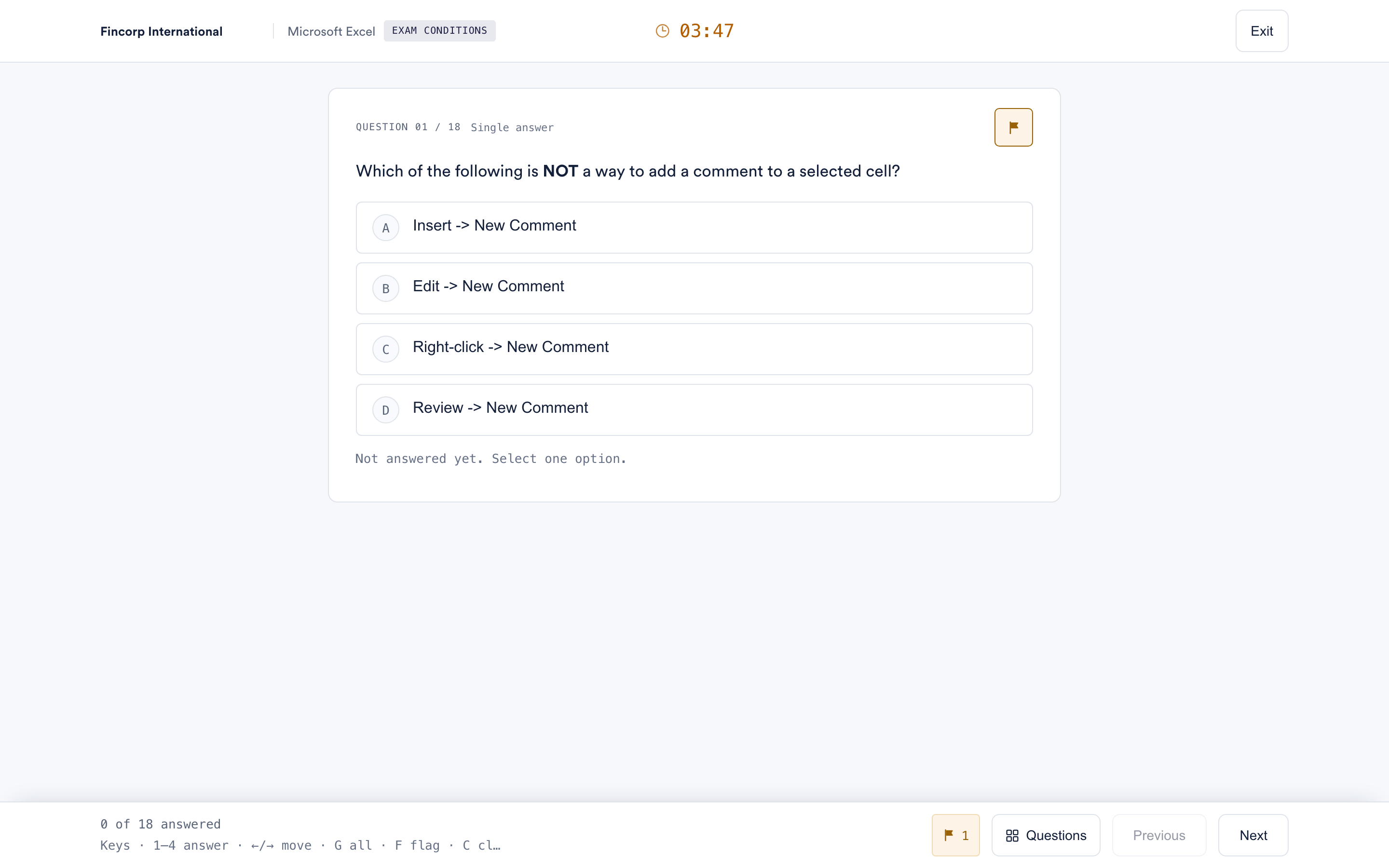 Flagging a question to come back to
Mark a question you are unsure about, find it again quickly, and change your answer before the test ends.
Flagging a question to come back to
Mark a question you are unsure about, find it again quickly, and change your answer before the test ends.
-
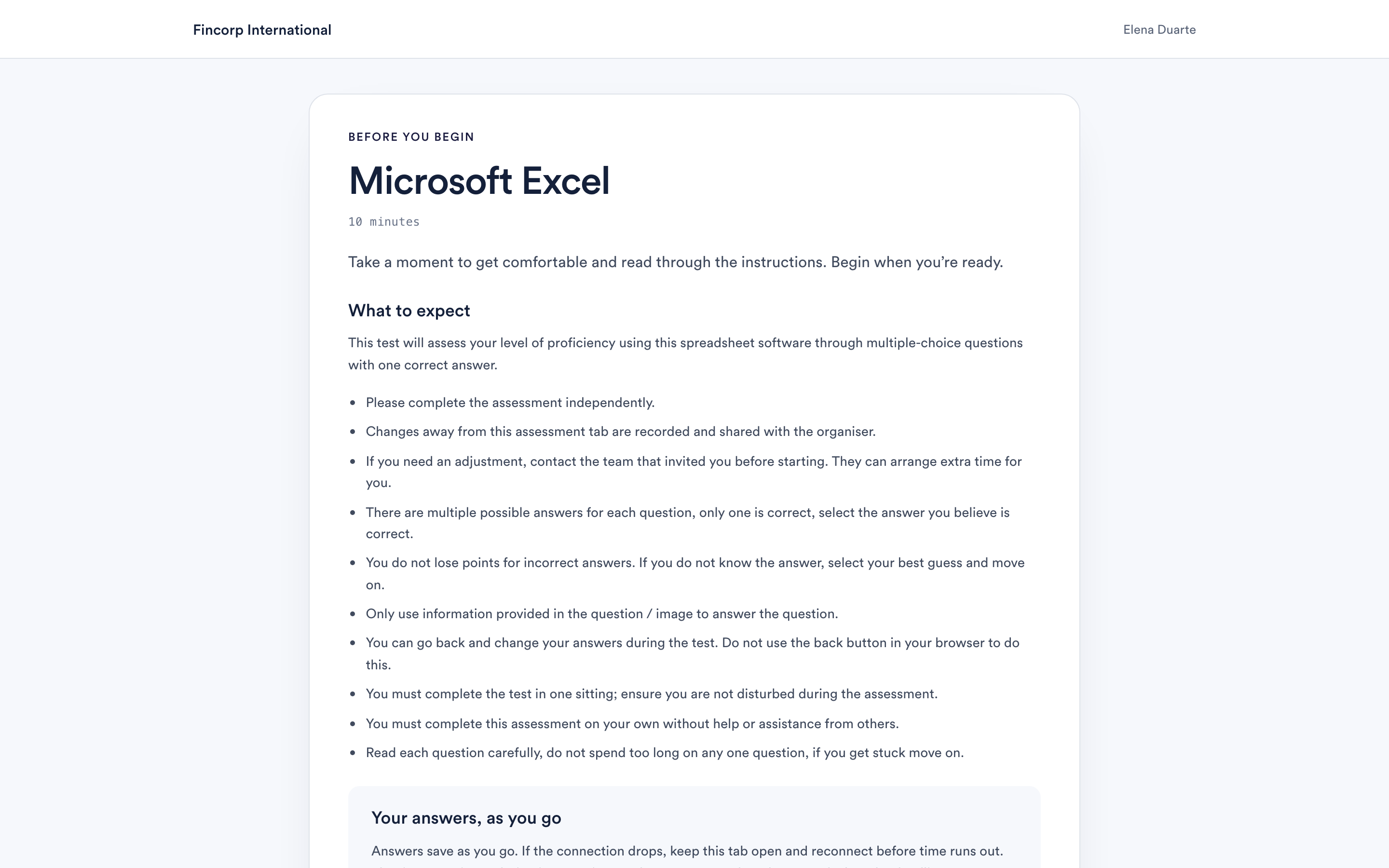 Answering with the keyboard
Turn on single-key shortcuts and work without a mouse.
Answering with the keyboard
Turn on single-key shortcuts and work without a mouse.
-
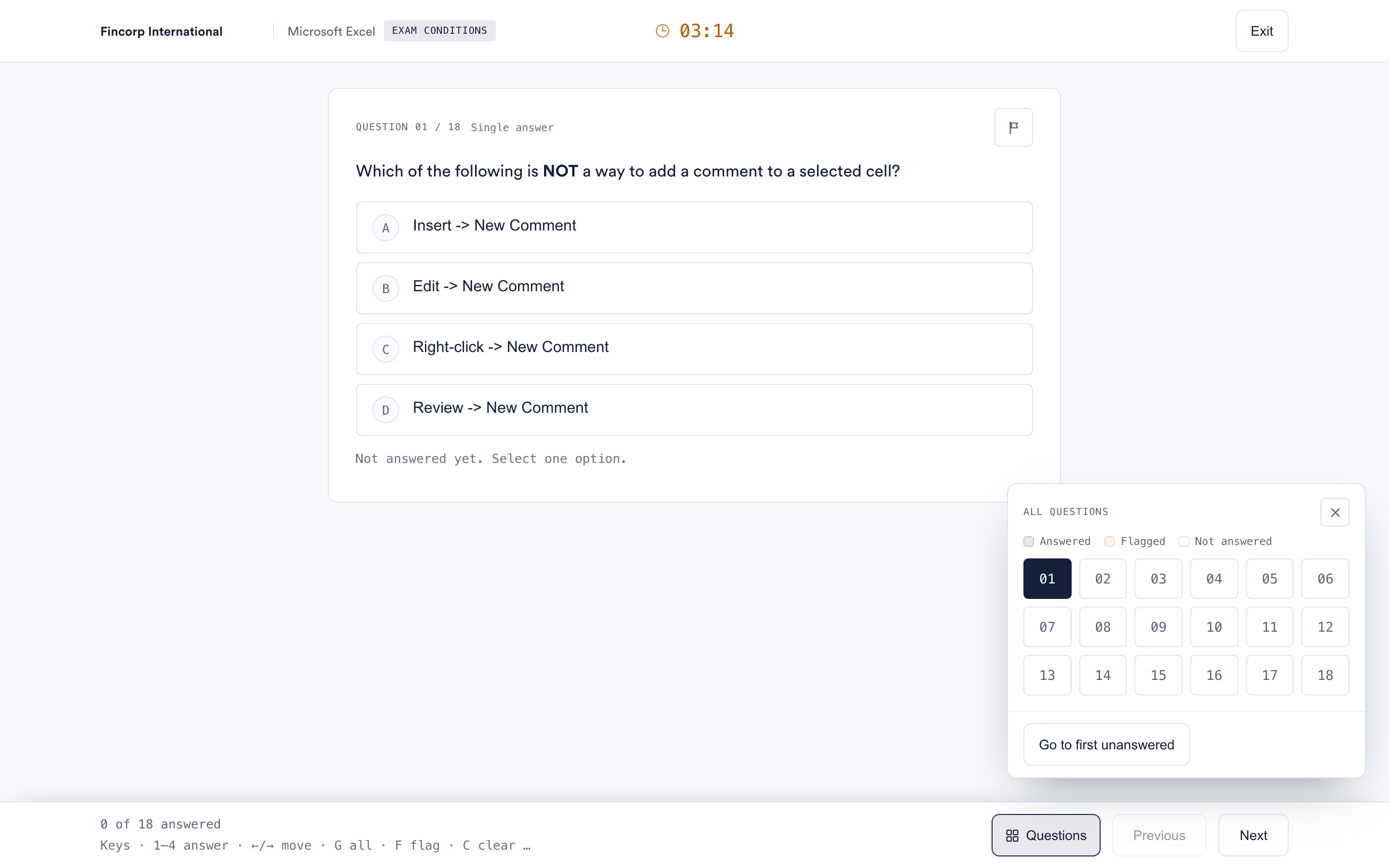 Question types you may see
Four ways of answering, all of them chosen rather than typed, and what each one is asking of you.
Question types you may see
Four ways of answering, all of them chosen rather than typed, and what each one is asking of you.
-
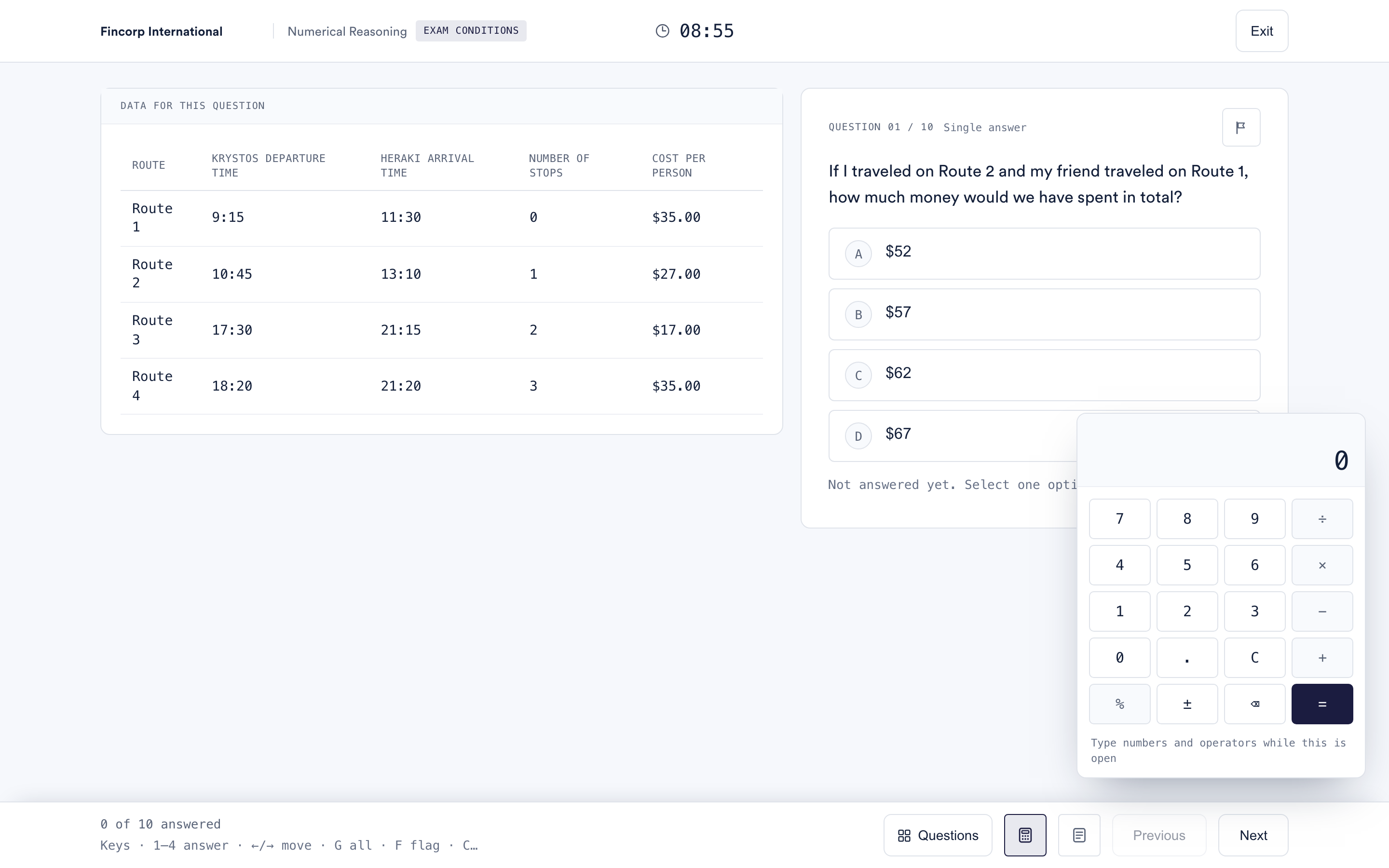 The calculator and rough paper
Two tools built into the test, so you do not have to hunt for a calculator or scrabble for a pen.
The calculator and rough paper
Two tools built into the test, so you do not have to hunt for a calculator or scrabble for a pen.
-
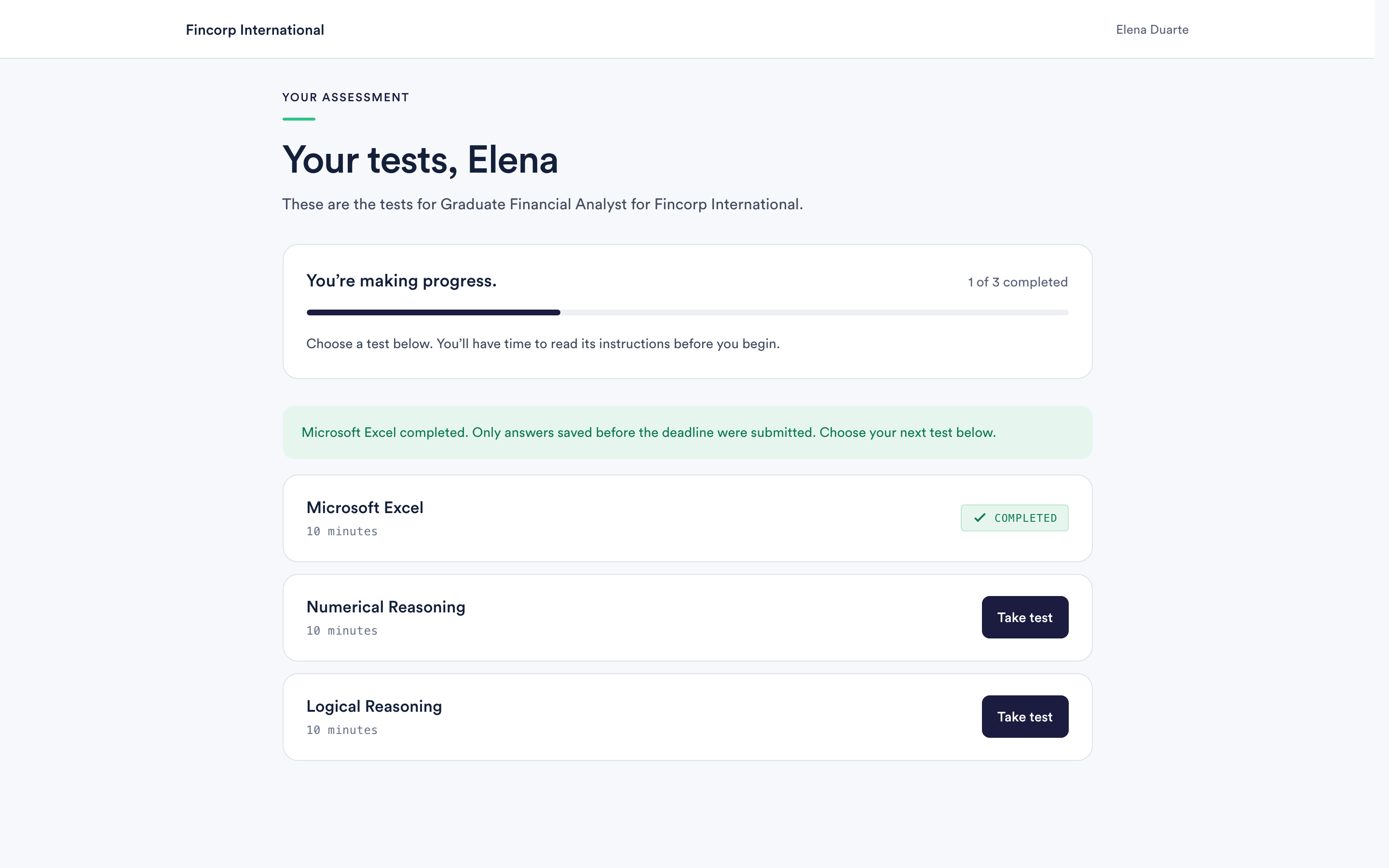 Finishing a test, and finishing your assessment
How to tell when a test is really submitted, what the completion screen means, and what happens next.
Finishing a test, and finishing your assessment
How to tell when a test is really submitted, what the completion screen means, and what happens next.